Orders ship free the 48 states in the contiguous U.S.
We are proud to offer fast and free shipping on all orders. Our commitment to getting your products to you quickly and without additional cost is part of our dedication to customer satisfaction.
Shipping Details: • All orders are processed within 24 hours • Free standard shipping on all orders • Average delivery time: 3-5 business days • Tracking information provided for all orders
We partner with reliable carriers to ensure your package arrives safely and on time. If you have any questions about your shipment, our customer service team is ready to assist.
Hassle-Free Warranty
Hassle-Free Warranty
Our products come with a comprehensive warranty that covers manufacturing defects and ensures your complete satisfaction with every purchase.
Warranty Coverage: • All products: 5-year limited warranty • No questions asked replacement within 30 days
Making a Warranty Claim: To initiate a warranty claim, simply contact our support team with your order details and a description of the issue. We will guide you through the simple process:
• Contact our support team via email or phone • Provide proof of purchase and product details • We'll determine if replacement or repair is needed • A prepaid shipping label will be provided if return is needed • Replacement shipped once defective item is received
Our hassle-free warranty means no complicated forms, no hidden fees, and no unnecessary delays.
100% Secure Payment
Secure Payment Policy Your security is our top priority. We implement the highest security standards to protect your payment information and ensure safe transactions.
Payment Security Features: • SSL encryption for all transactions • PCI-DSS compliant payment processing • Tokenization of sensitive payment data • 3D Secure authentication for added protection • Regular security audits and penetration testing
• Accepted Payment Methods: We accept all major credit and debit cards, as well as popular digital wallets and payment platforms:
Visa, Mastercard, American Express, Discover, Diners Club, Google Pay, PayPal, Shop Pay, Venmo Bank transfers (for select countries) Your payment information is never stored on our servers. All transactions are processed through certified payment gateways with bank-level security.
30-day Return & Refund
Return Policy
We want you to be completely satisfied with your FENGE purchase. We also provide you with a professional buyer guide and other considerate services. We also understand that sometimes a product just doesn’t quite fit. That is why we have this return process, and we hope it can make your returns easy.
30-Day Risk-Free Return Policy
When you receive the item(s) that are defective, incorrect, or incomplete, please contact us immediately so we can make it right. For faster assistance with a return or exchange claim, please email us with your order number, contact information, returning reason, and photos concerning the damages or flaws(if applicable). Please keep all items and packaging materials until your claim is resolved.
Do I have to pay for shipping?
1. Returns with product quality problems: We offer free shipping in this case. We will prepare a return label, and please return your order to the sender's address. 2. Returns with non-quality problems: You need to bear the shipping cost in this case
Hassle-Free Exchange
A hassle-free exchange is ready if it is in stock. You can exchange your item(s) within 24 hours you placed the order and before your package was shipped out. If your package has been shipped out, we will not accept your replacement request, but you can refuse to accept the package after it arrives. Please keep in mind that you will be charged $17 for returning in this case.
Order Cancellation
For canceling an order that has not been processed, please contact us as soon as possible. Orders whose parcels have already been processed can not be canceled. You can refuse the package after it arrives. Please keep in mind that you will be charged $17 for returning in this case.
General information for all returns:
1. You are free to return any item within 30 days of receipt. 2. All returned items must be disassembled and repackaged as they were originally received. 3. We provide prepaid return labels for returns with quality and delivery problems(No extra returning fee), but charge return label fees($17 for shipping per monitor stand ) for returns with non-quality problems. 4. You will be responsible for shipping the products to the return address. 5. We strongly suggest using the FedEx delivery method when making your return. We are not responsible for returns lost or damaged in transit; you will be responsible for filing a shipping claim.
How to File a Claim?
Simply contact customer service via email at contact@fengepro.com
Free shipping from US stock.
Orders ship free the 48 states in the contiguous U.S.
Alaska & Hawaii Please contact us for shipping quotes. We will contact you for any costs that cannot be calculated online...Learn more about our shipping polic
Warranty & Return
Warranty
Every product comes with a 5-year warranty covering any manufacturing defects. If something isn't working as it should,just reach out - we'll repair or replace it at no cost to you.
Return
We gladly accept returns for any reason within 30 days of the shipping date — as long as the product is unused and returned in its original packaging.
Our monitor risers are designed to be serviceable and we've got a team of people who go above and beyond to help our owners.
Popular Upgrades
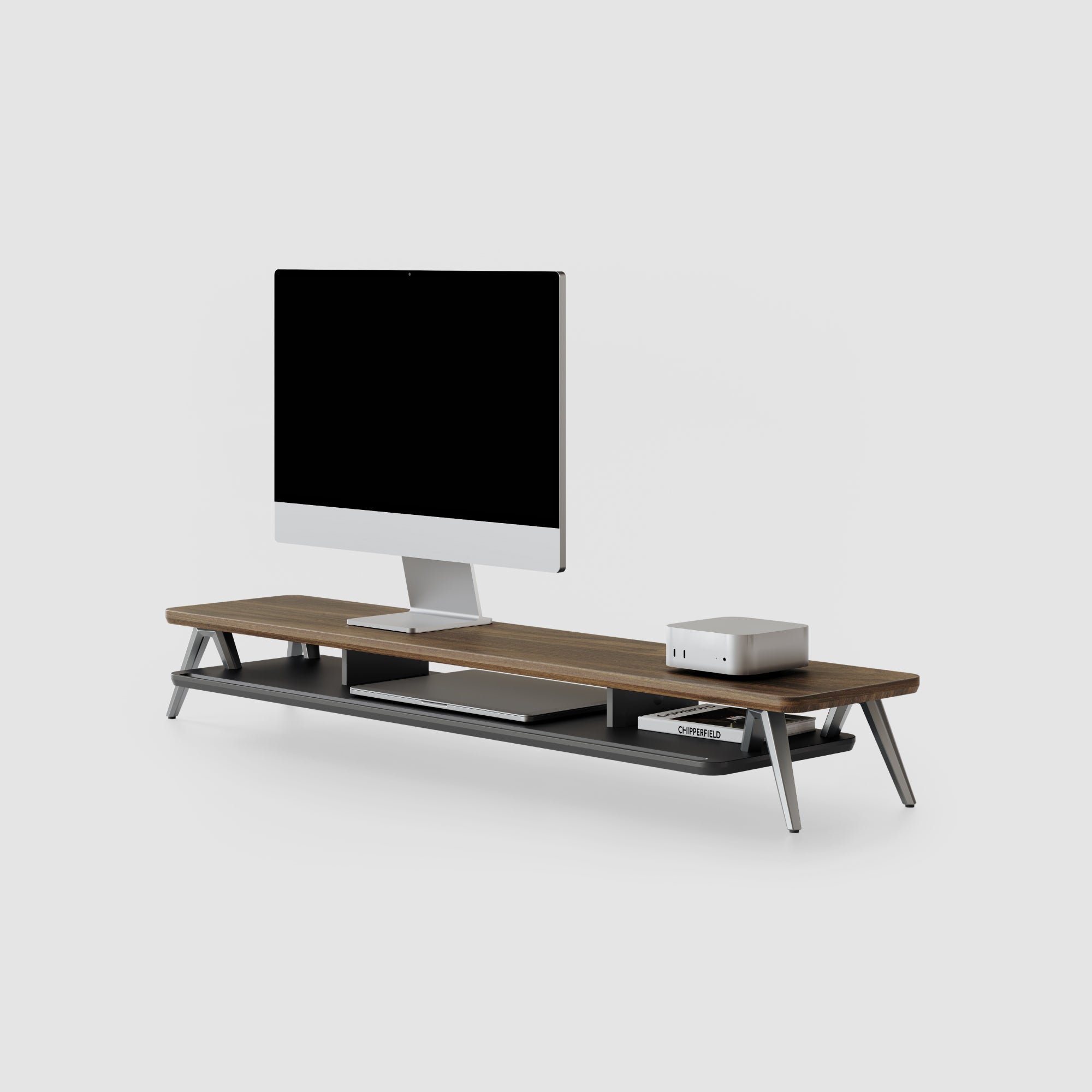
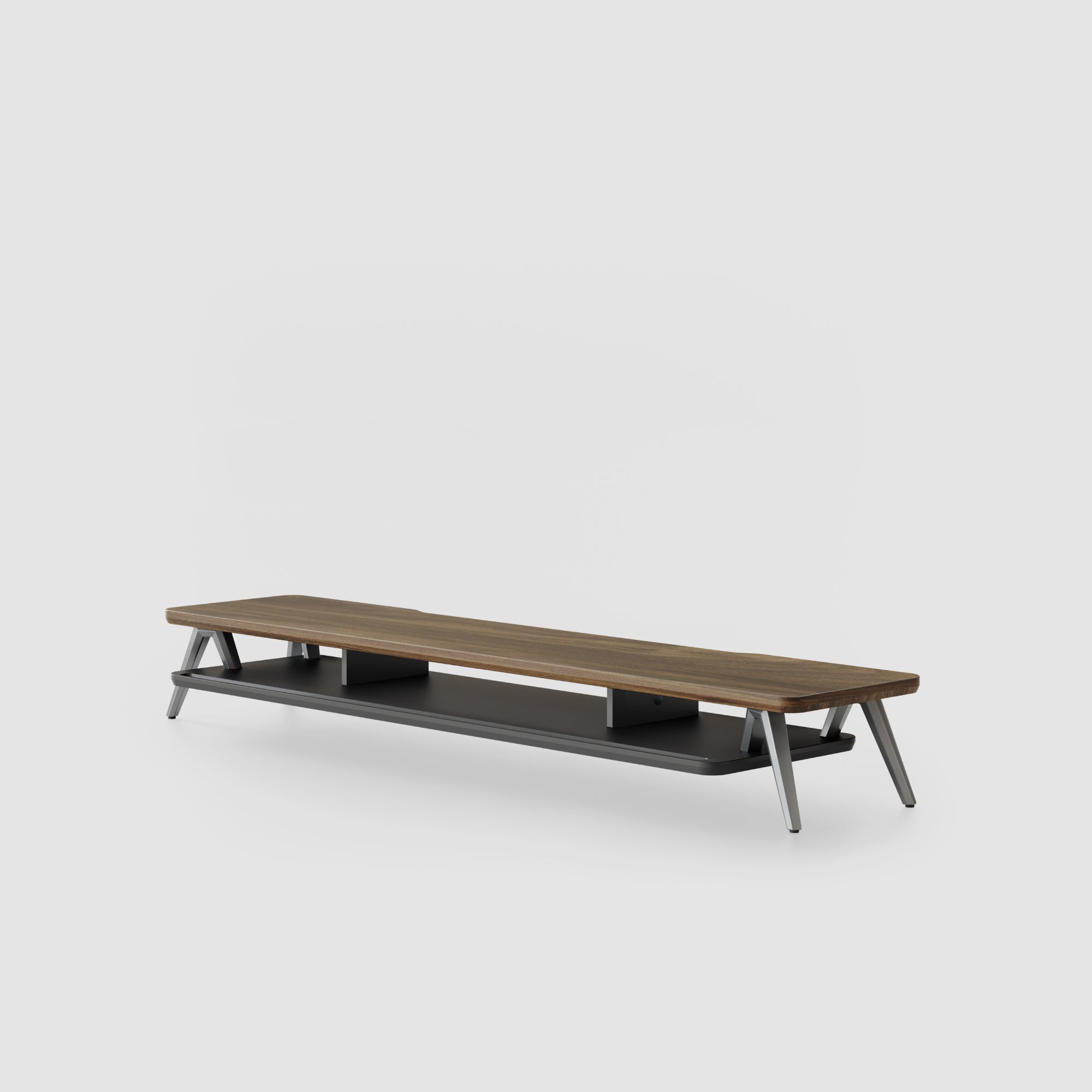
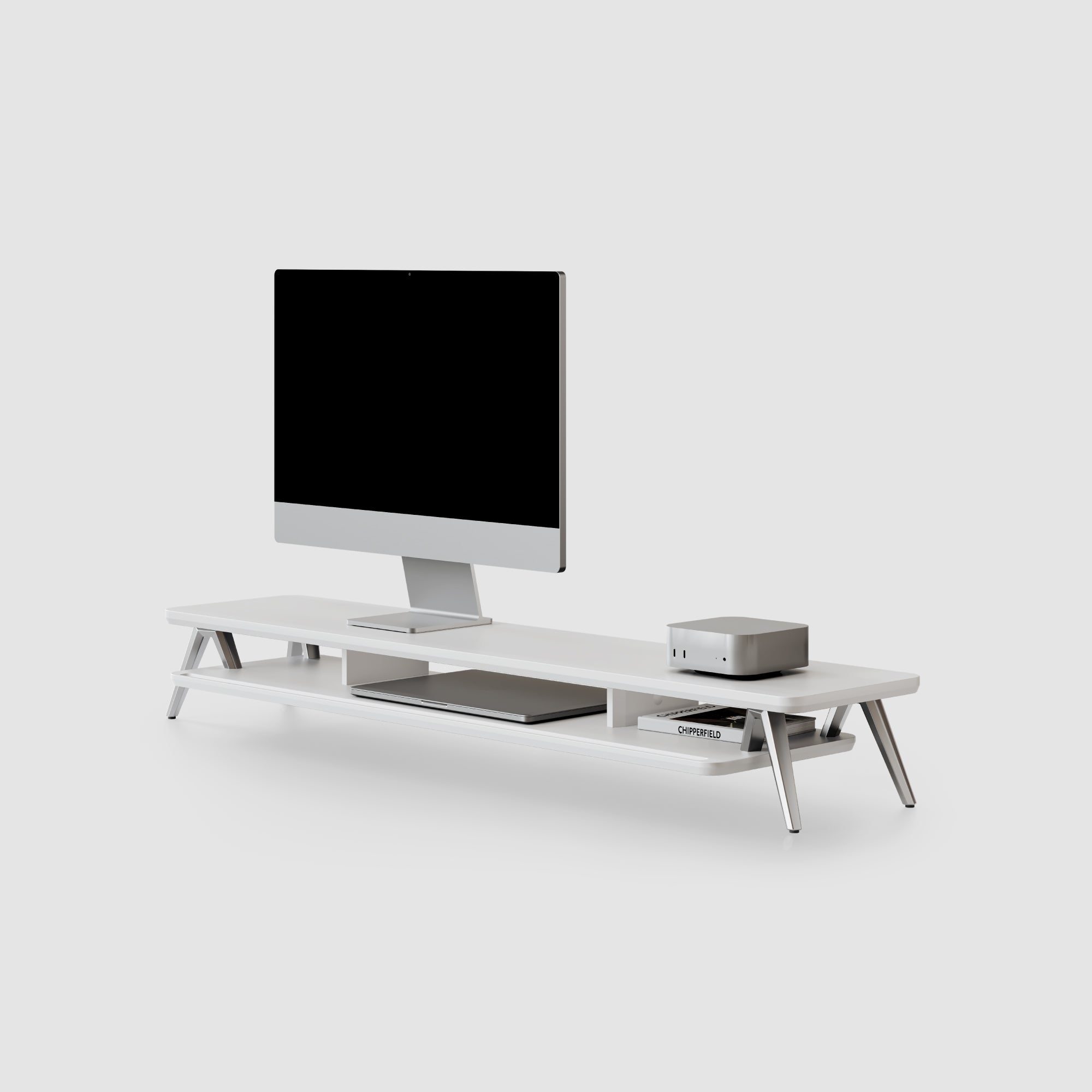
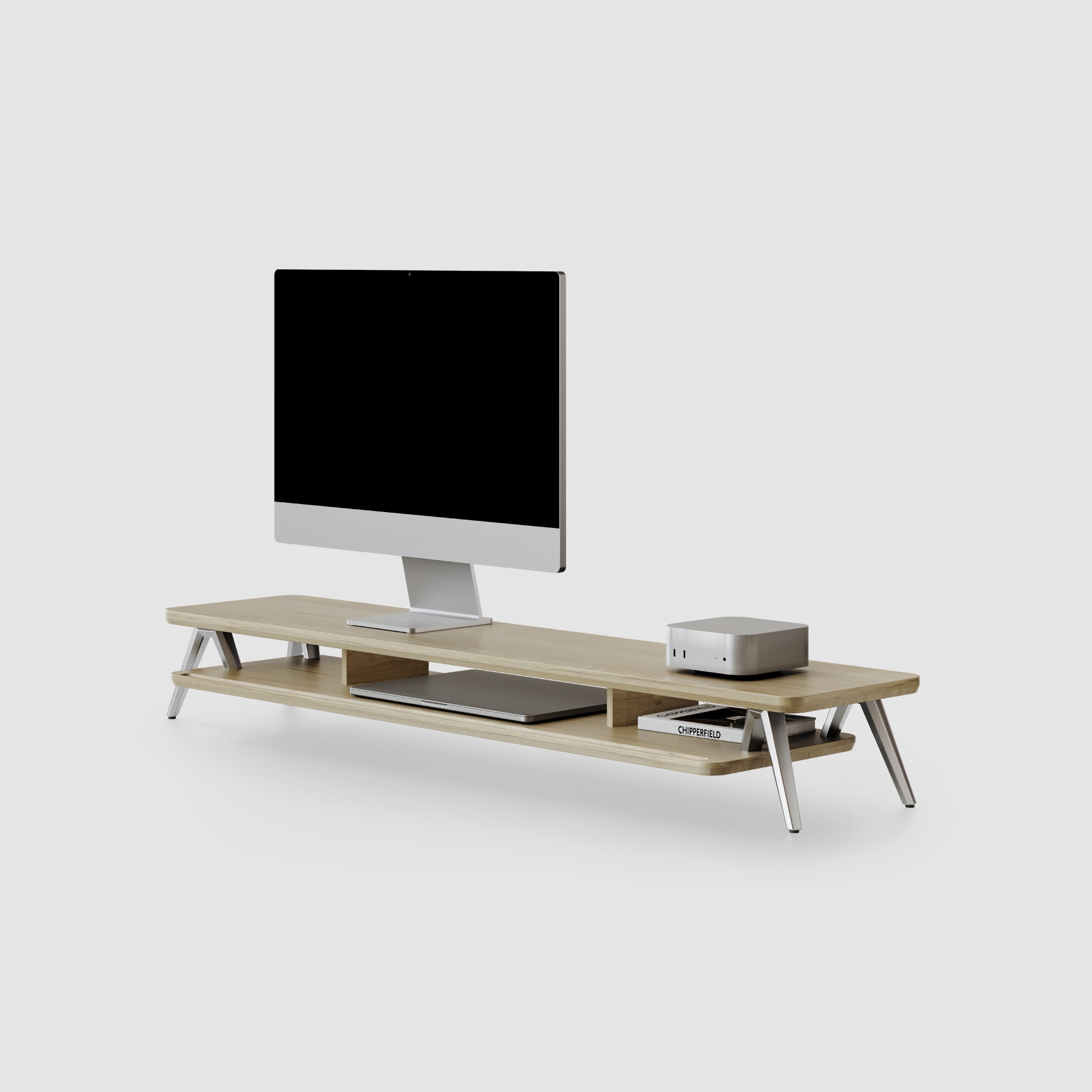
Rodin A212 Monitor Riser
Black
$125.00
Rodin Overview
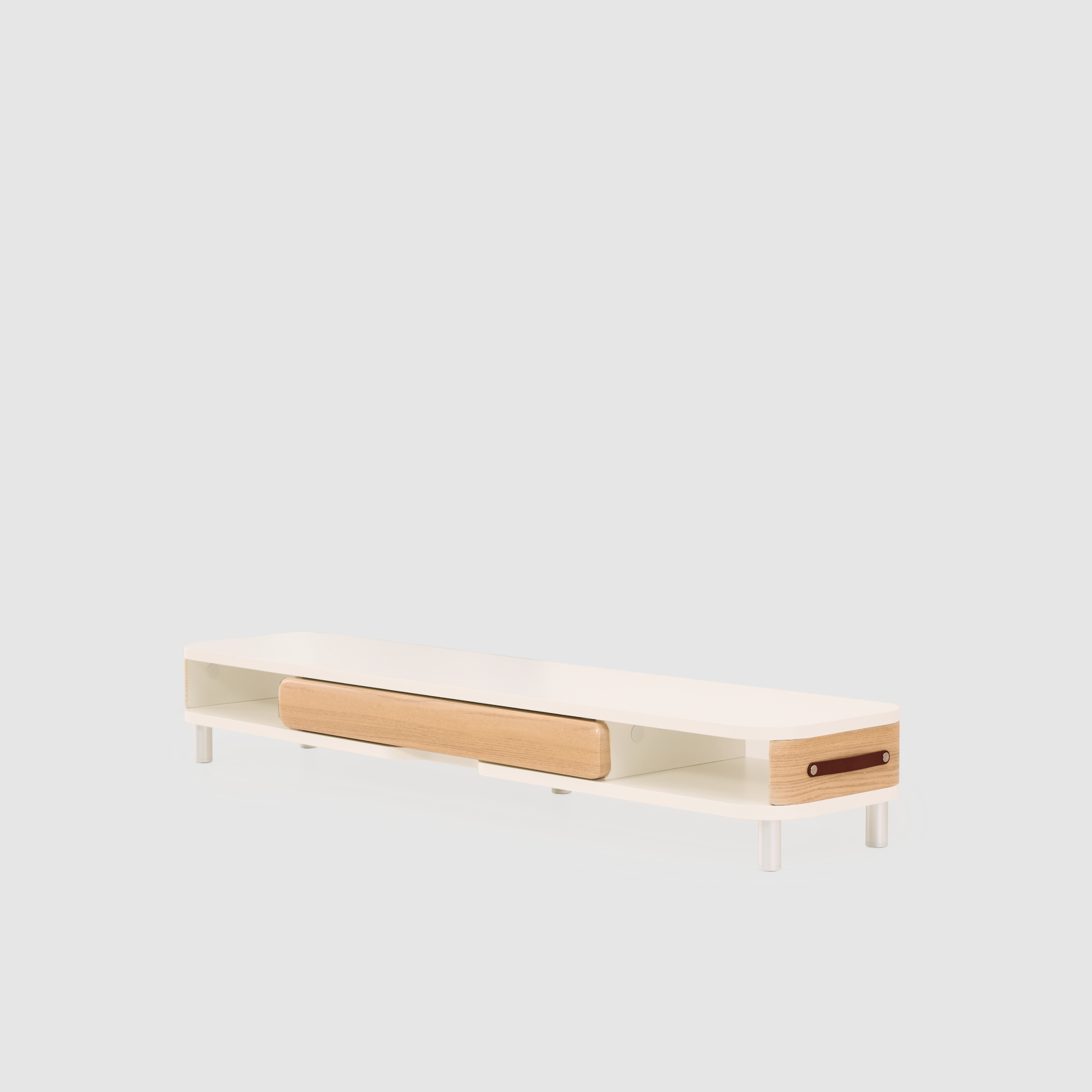
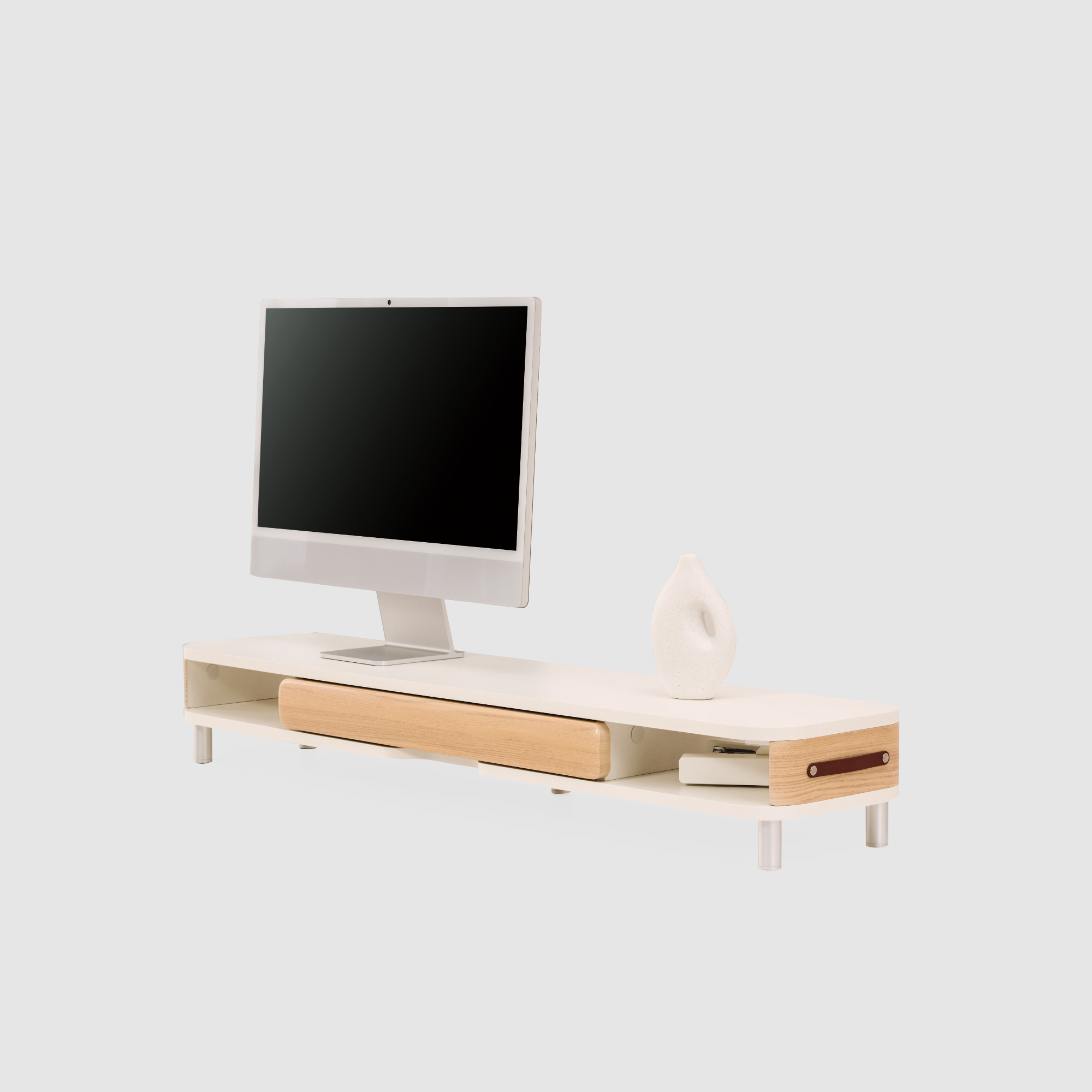
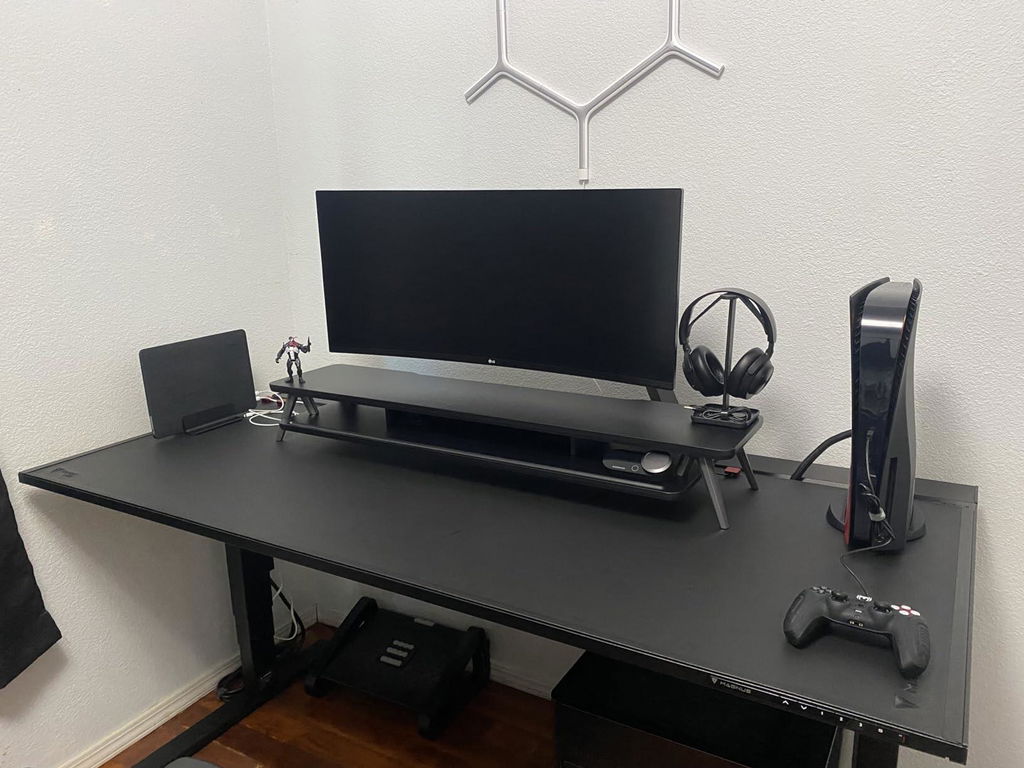
Inspired by Rodin's sculptural strength, the Rodin Series blends bold structure with modular flexibility—crafted to elevate your setup and suit a variety of working styles.
Minimalist design & maximum stability
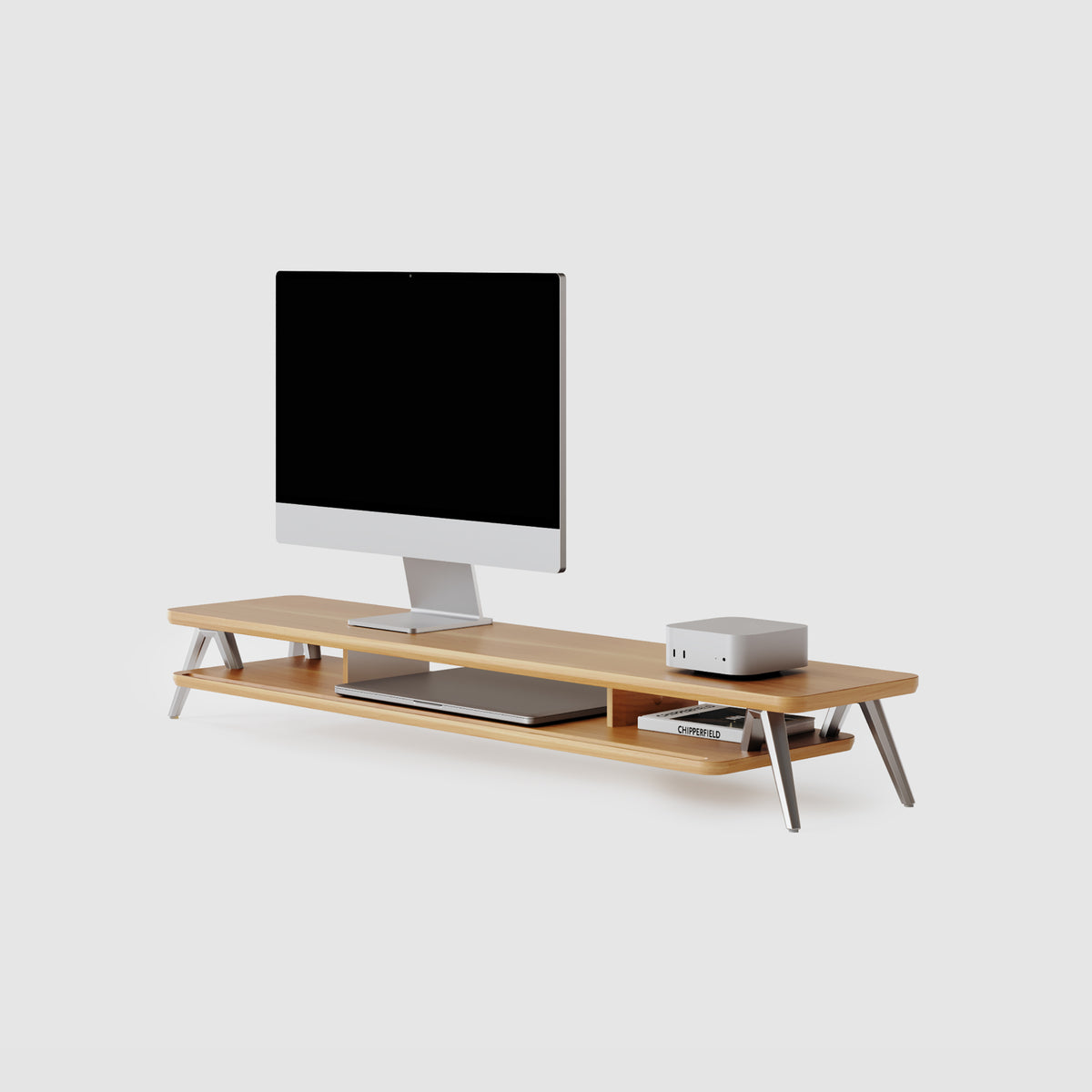
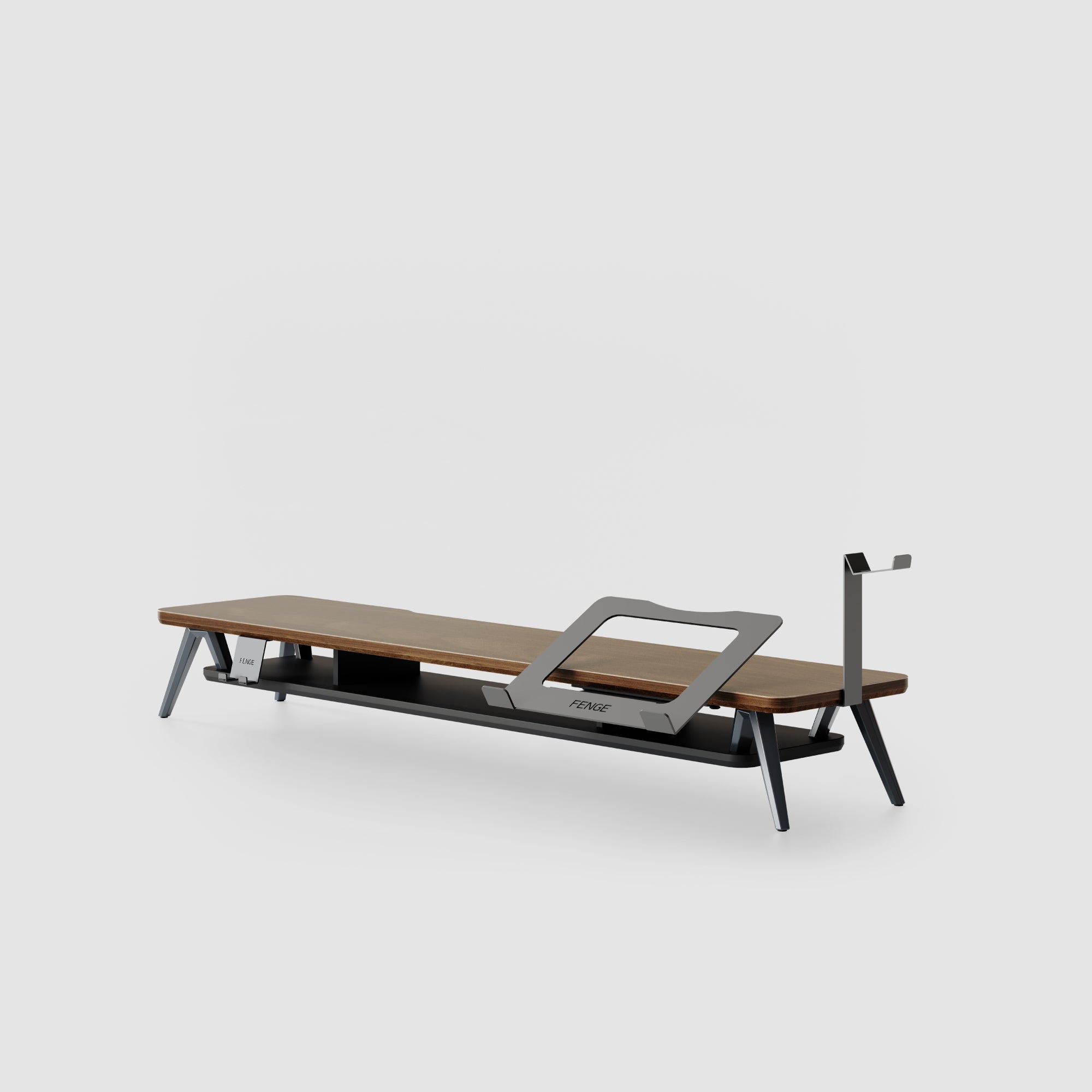
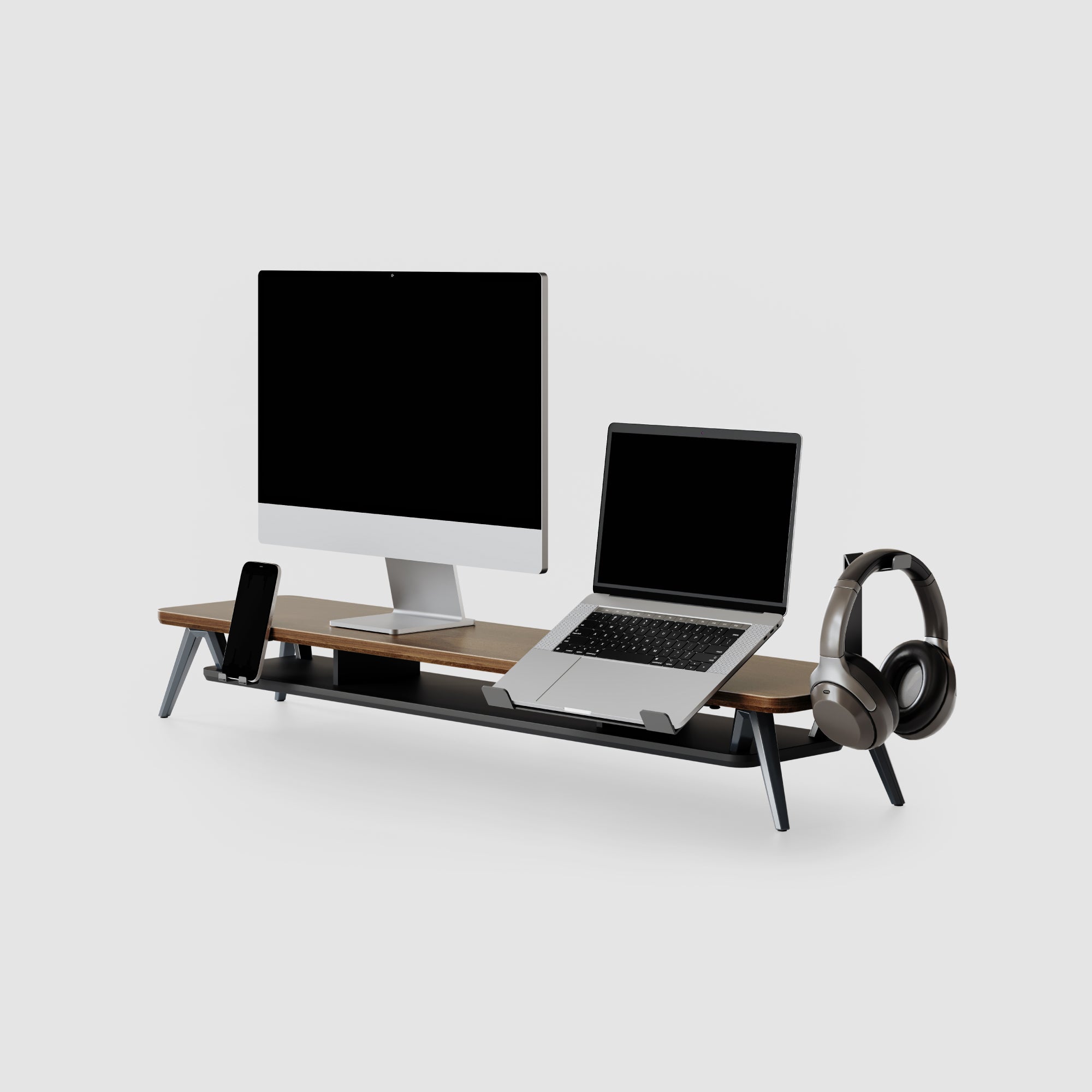
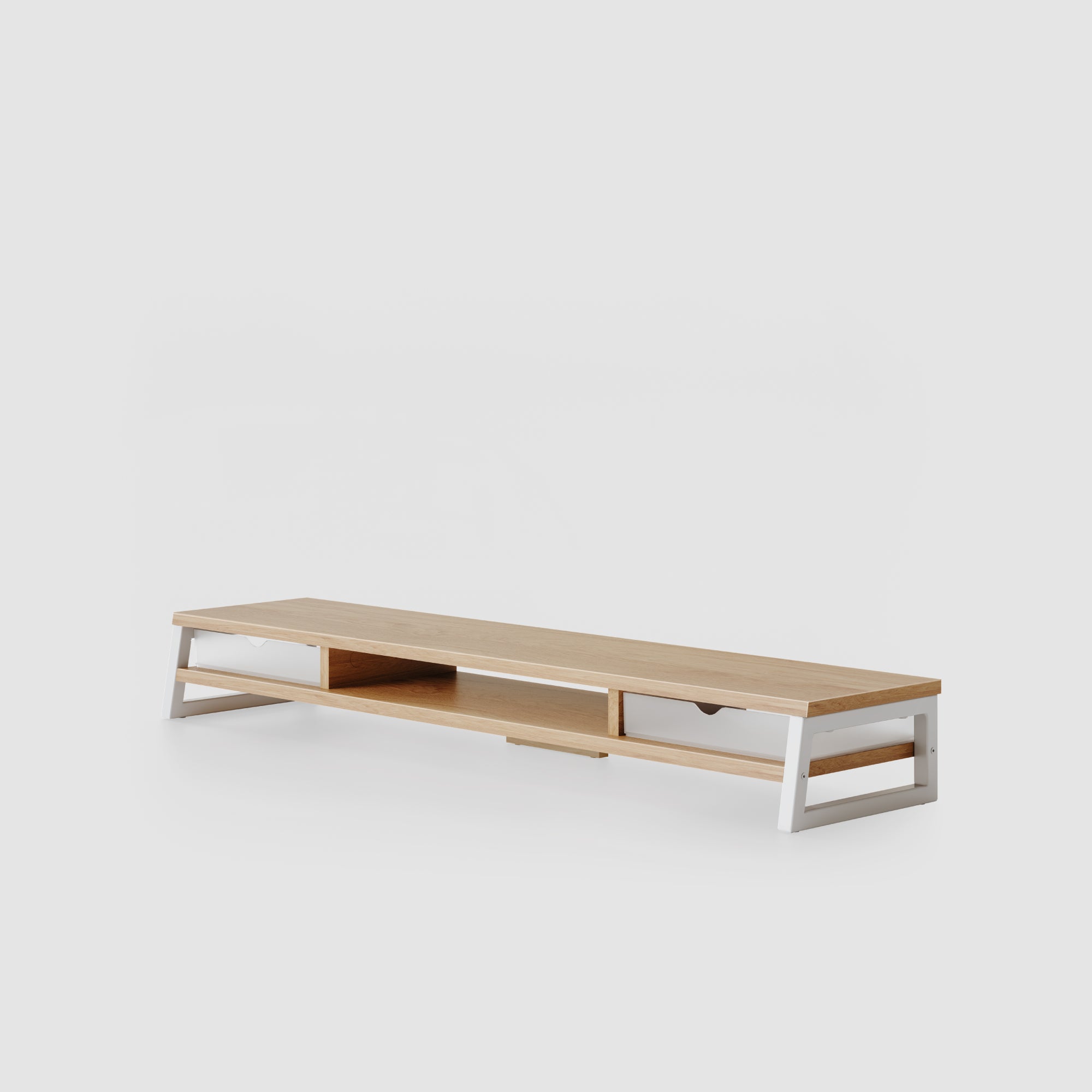
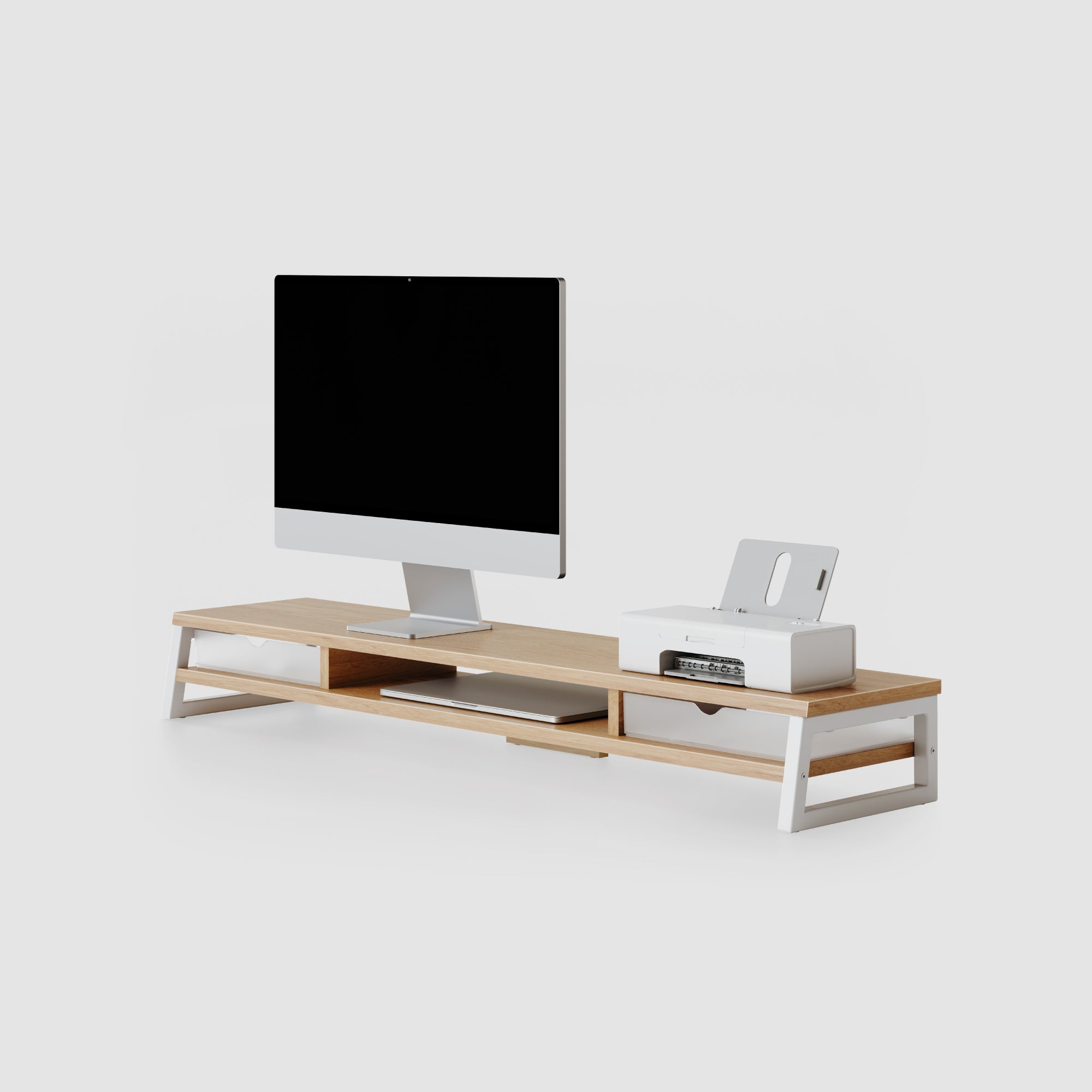
As a classic piece in the Rodin series, the A212 features patented M-shaped support legs that are both sturdy and aesthetically pleasing. Its robust double-layer engineered wood core design provides efficient storage space and ensures a long lifespan. This simple yet stylish space-saving solution is the perfect partner for your desk.
Elevate Your Workflow
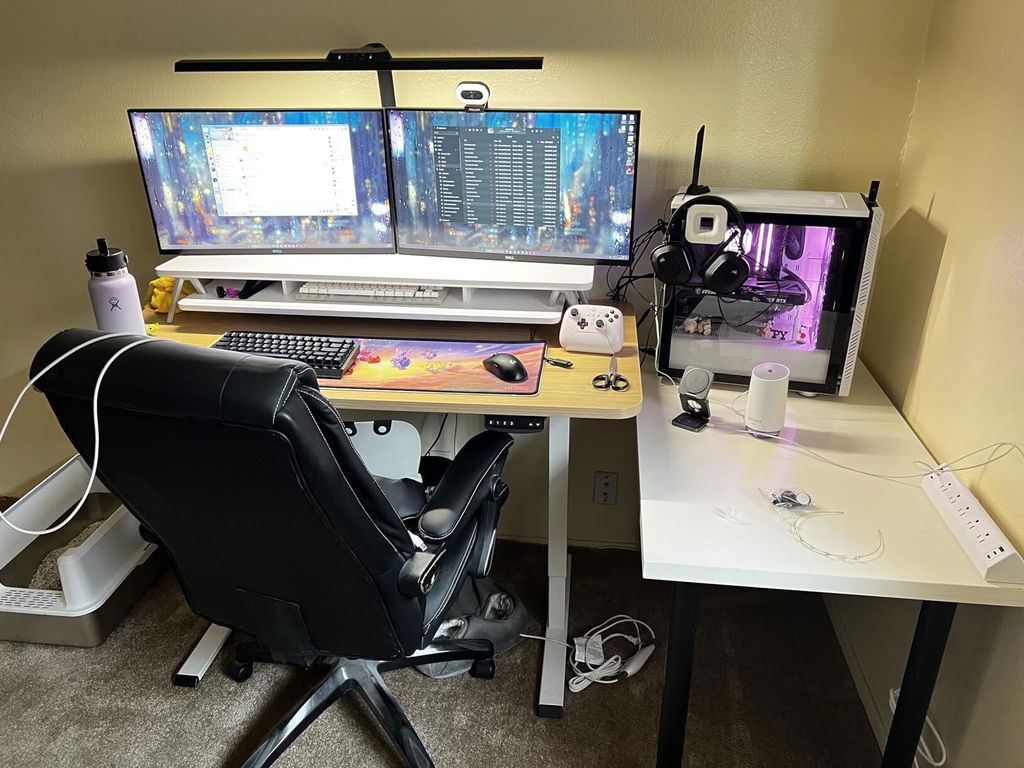
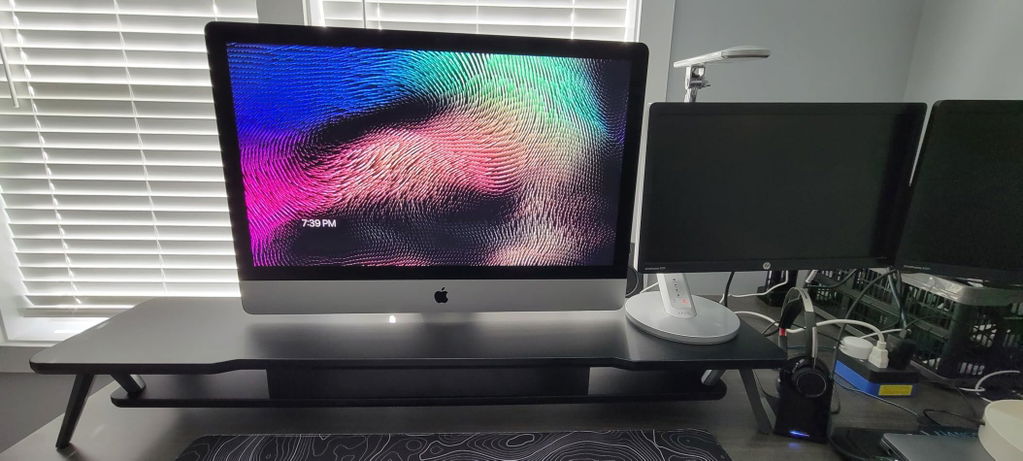
Raises your monitor to the perfect ergonomic eye level, reducing neck strain while creating space to tuck away your keyboard.
Sculptural aesthetics
The aluminium legs combine visual elegance with extreme load-bearing capacity, making them an absolute eye-catcher on your desk.
Intelligent Detail
A precision-integrated groove keeps your phone and stylus accessible at a glance, yet perfectly organized.
Efficient Space
The hidden second level stores hubs and notebooks – for double the usable space and a clear head.
Elevates your monitor to the optimal viewing height to correct your posture. Effectively reduces neck and back strain from long hours at the desk, boosting your everyday workspace wellness.
@octavianlupuphotos
Every great idea starts at a beautiful desk. The monitor stand from FENGE combines design, precision and functionality – creating a workspace that inspires new creativity every day.
The FENGE Aesthetic
Find Your Creativity
@i.will_game
@bvtsutech
@jesskindareads
@espindesk
@loof.ahh.
@valleyfinds
Specs & About
Size & Fit
Product Dimension(W*D*H)
– 42.5 x 9.3x 5.7 Inch
Board Thickness
– 18 MM
Storage Capacity
– 2 Layers (2.2" Clearance Per Layer)
Weight Capacity
– Up to 99 LBS
Monitor Support
– Fits 2× Up to 27″ (Shown: 25″)
Gross Weight / Net Weight
– 20.3 LBS / 17.2 LBS
Material
– Engineered Wood Core + Aluminum
Assembly Time
– Within 10 Minutes
Recommended For
– Desk Setups, Space Optimizers, Adaptable Workspaces, and More.
Care Instructions
To maintain the FENGE Monitor Stand‘s appearance and durability, wipe it with a soft, slightly damp cloth and dry it right after. Avoid chemical cleaners or abrasives, and clean spills promptly to prevent damage.
Warranty
Every product comes with a 5-year warranty covering any manufacturing defects. If something isn't working as it should,just reach out - we'll repair or replace it at no cost to you.
Return
We gladly accept returns for any reason within 30 days of the shipping date — as long as the product is unused and returned in its original packaging.
Empower your business to establish a new standard for an organized workspace. We provide dedicated commercial support for B2B bulk purchases and project-based collaborations. Please contact us to receive our most competitive project pricing.