








Rodin Series


Complete desktop accessories tailored for ultimate productivity and seamless style.
Most-loved essentials for your workspace.

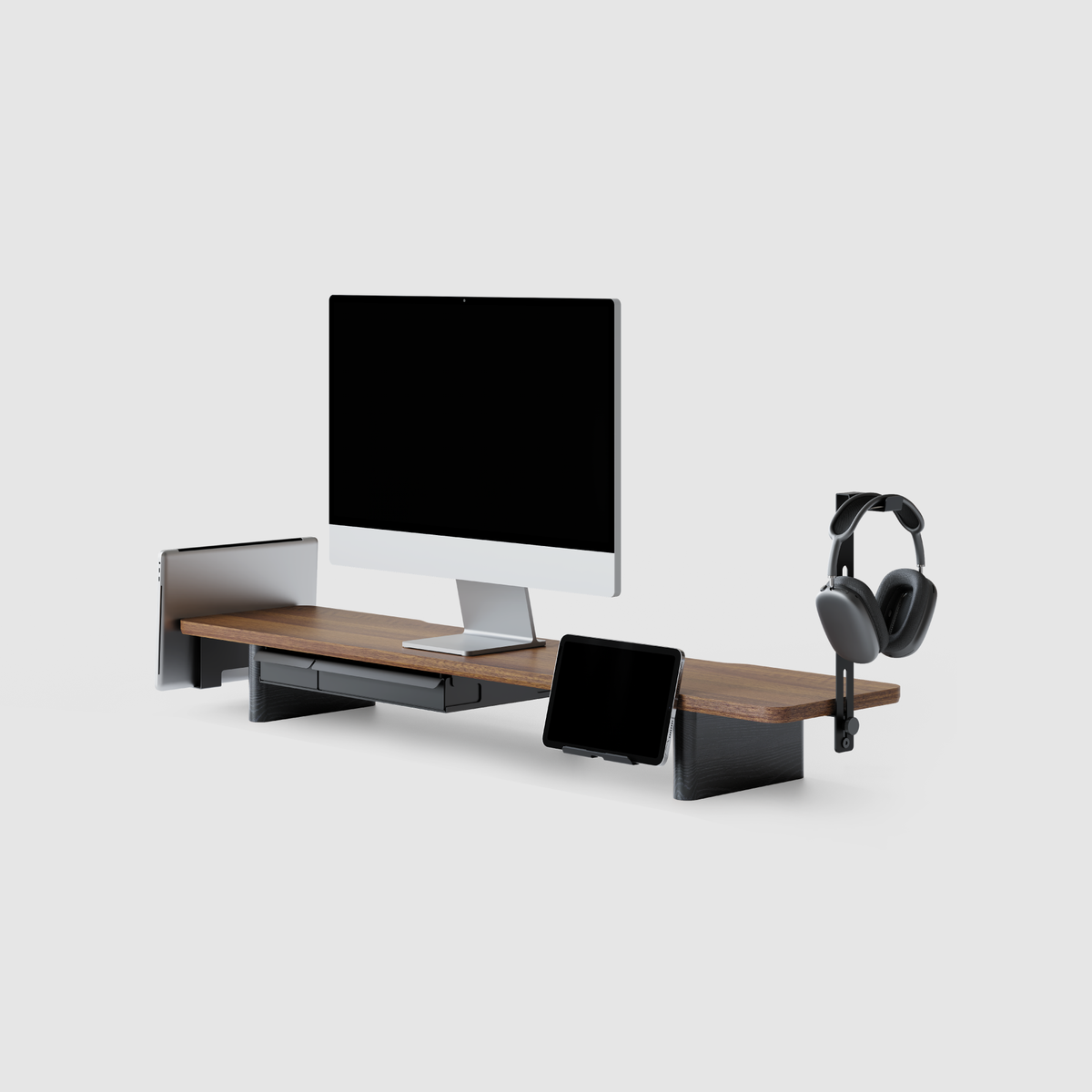
Rodin A510 Monitor Riser-Black

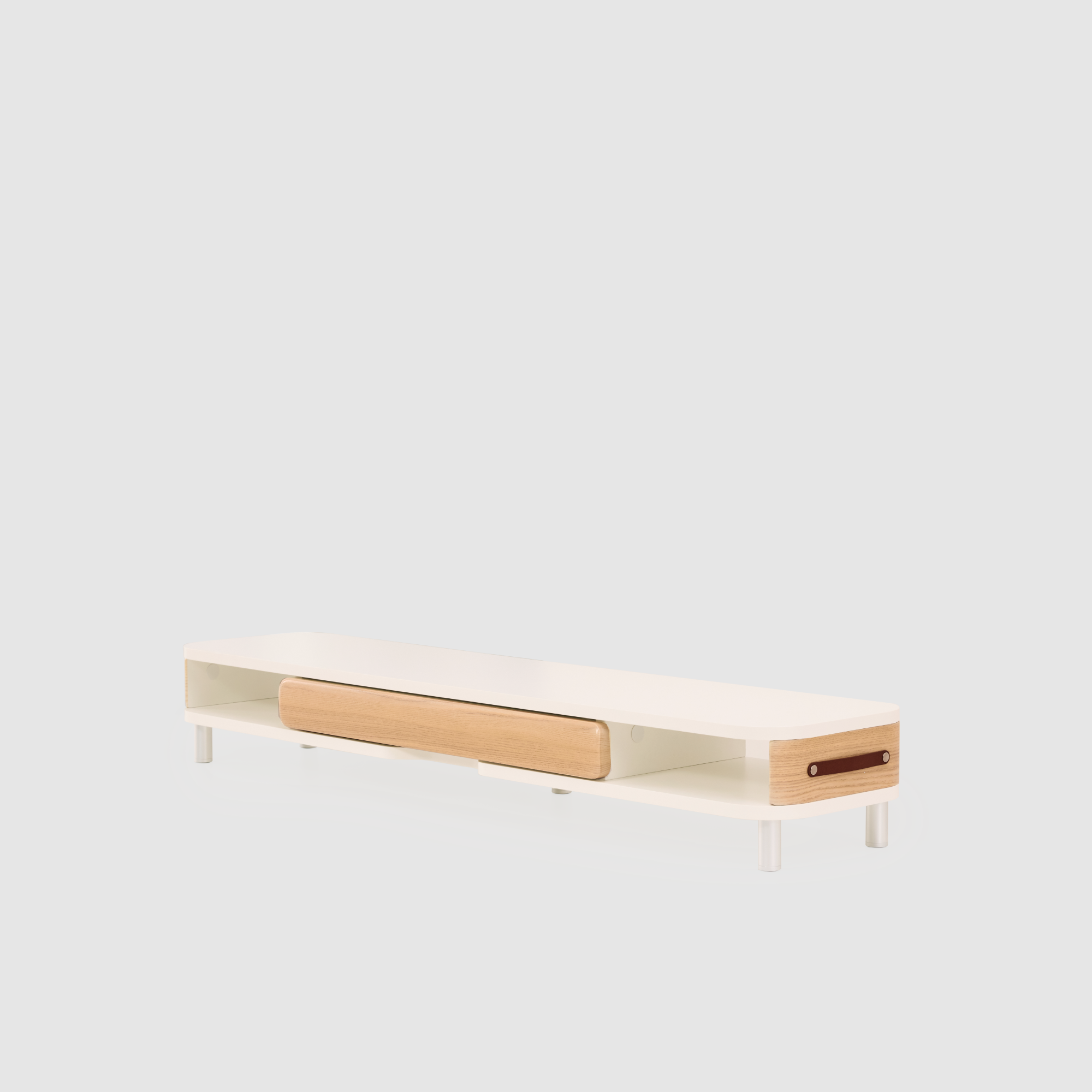
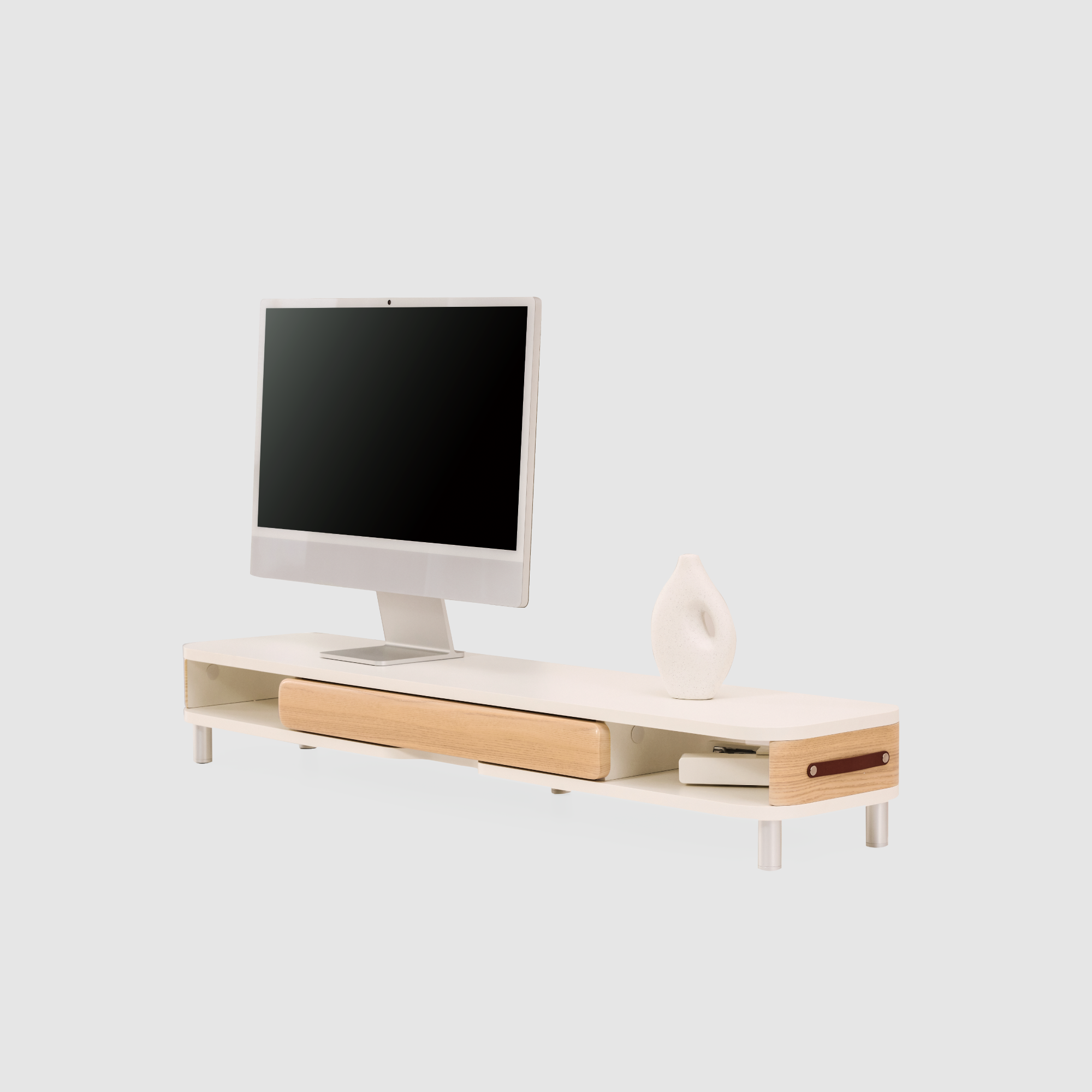
Sculptural strength meets modular elegance in the Rodin series.

We don’t just build accessories; we curate the texture of your workday.
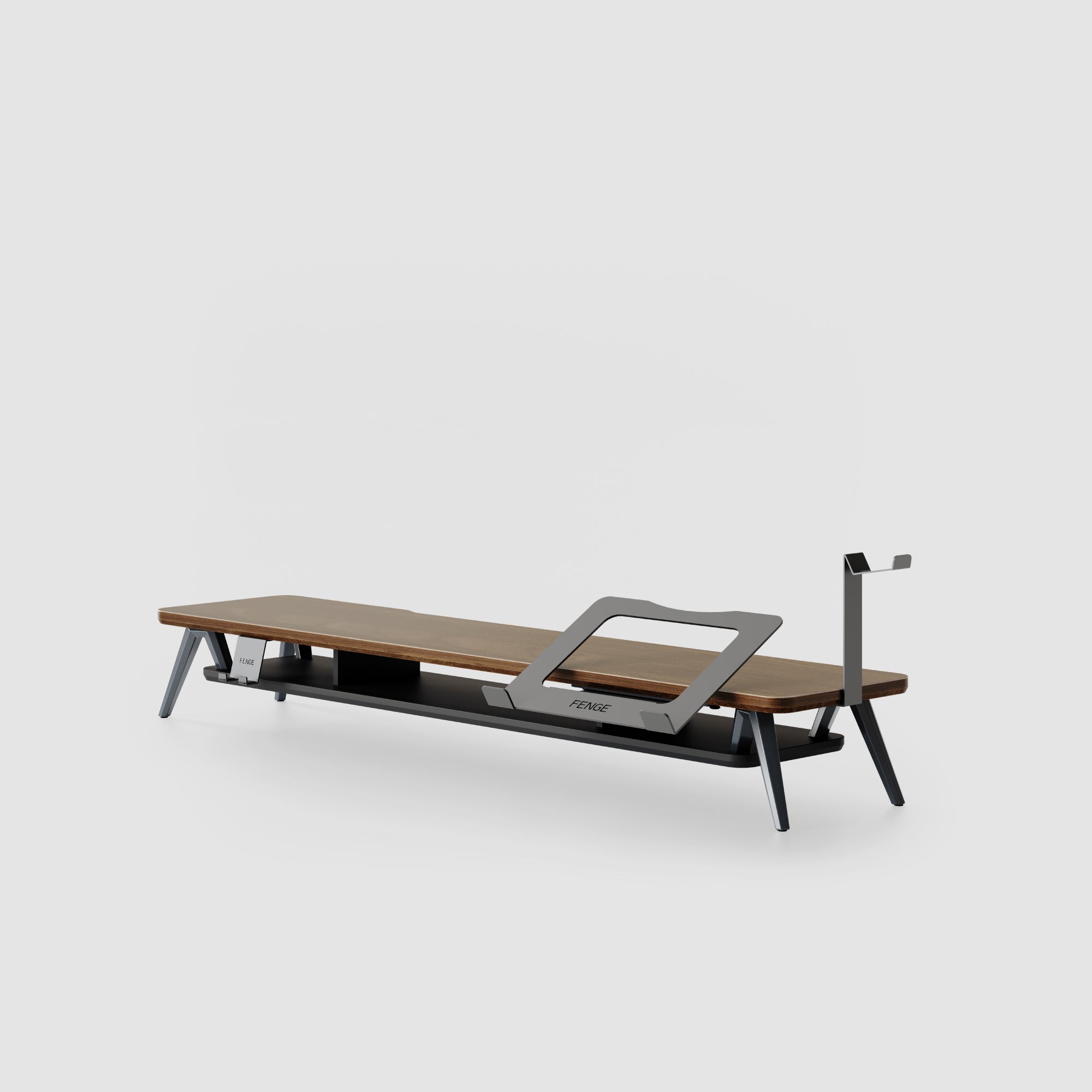
Nature meets design. Discover our newest solid wood essentials.

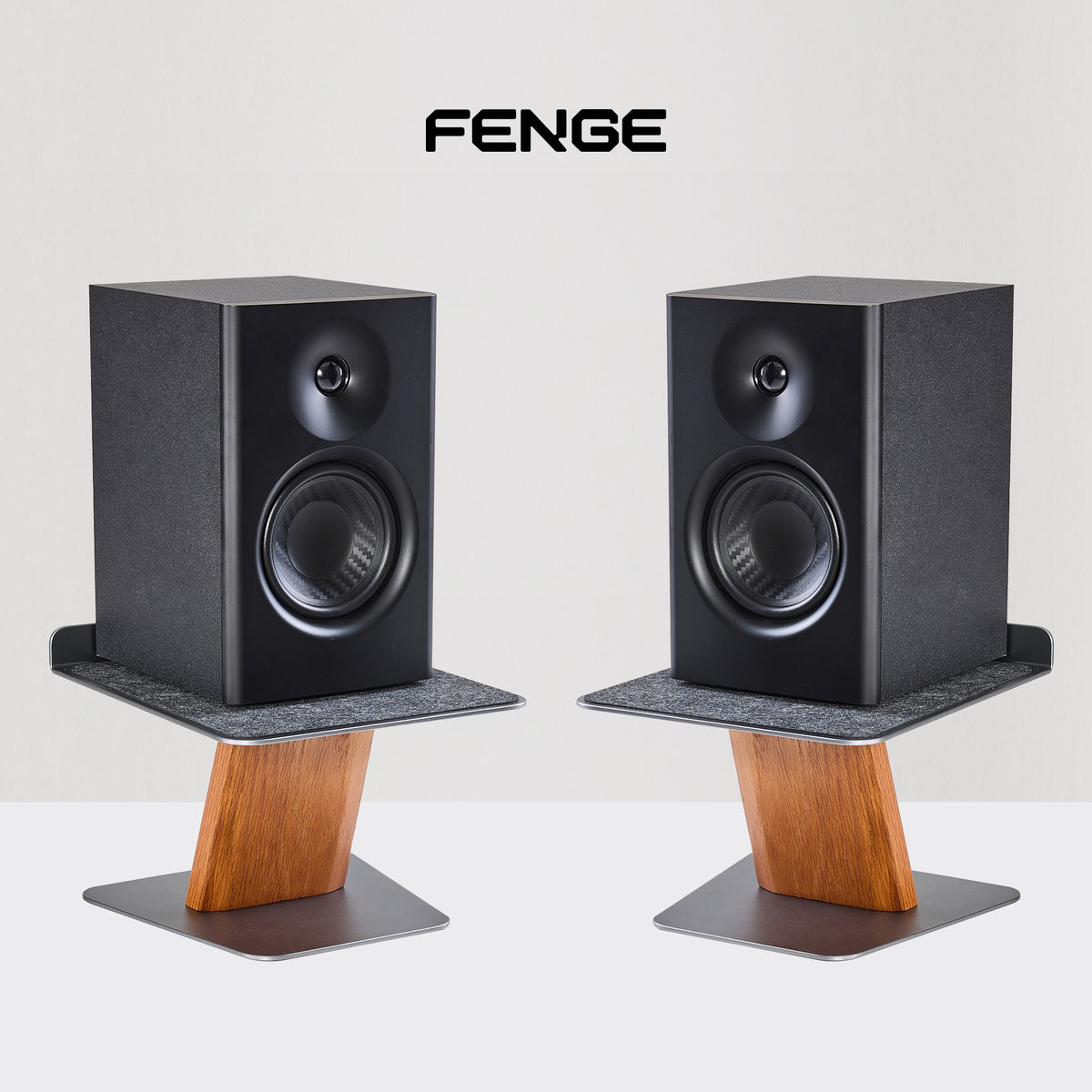
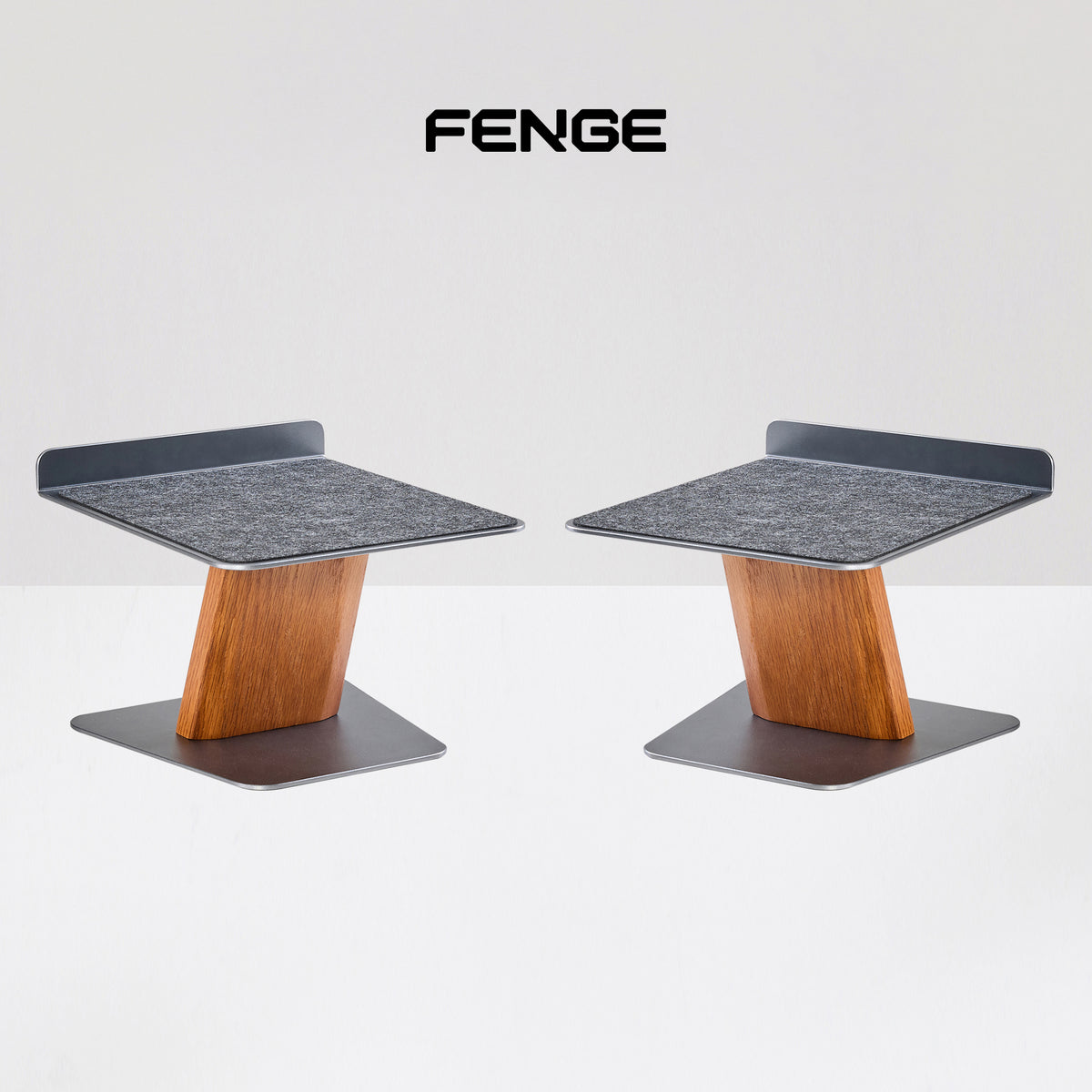
Rodin Speaker Stands A215 (X2)
Systemic solutions bridging home aesthetics and professional efficiency.

Elevate your personal space with systems for focus and aesthetics.

Scalable solutions and systemic resources for modern work spaces.

Bridging the gap between indoor logic and outdoor inspiration with a modular, systemic foundation.


Our extraordinary objects, shared by you. Use #Fenge System for a chance to be featured.


Collect rewards, access insider privileges, and elevate your creative sanctuary.
Documenting every thought on systems. From materials to final products, step into FENGE® studio.

The best monitor arrangement is the one that matches the way you work. A single monitor keeps the desk simple and can be the better choice for focused work, small spaces, or a laptop-first routine. A dual monitor setup gives you more room for reference material, communication, and side-by-side tasks, but it also needs more desk space and more attention to alignment.
Oct. 21, 2026

Choose a dual monitor riser by measuring both monitor bases in their final positions, checking the full supported load, and working out how much elevation each screen needs. The right platform must also leave enough desk depth for comfortable viewing, keyboard use, and storage access.
Oct. 14, 2026

A monitor stand is chosen mainly to support and position a display. A desk shelf is usually chosen to add a raised surface for storage and organization. The categories overlap: a well-sized desk shelf can hold a monitor, while a monitor stand can create room underneath for a keyboard or accessories. Choose by the structure, dimensions, and stated load capacity of the individual product.
Oct. 12, 2026

The best multi-monitor setup depends on the work you keep open, the depth of your desk, and the distance between your eyes and the screens. For many people, two matching 27-inch monitors at 1440p are the most flexible starting point. A pair of 24-inch 1080p displays suits a smaller budget and desk, while a 32-inch main screen with a vertical secondary monitor gives more room for documents and long pages. An ultrawide can simplify the layout when you prefer one continuous canvas.
Oct. 2, 2026