

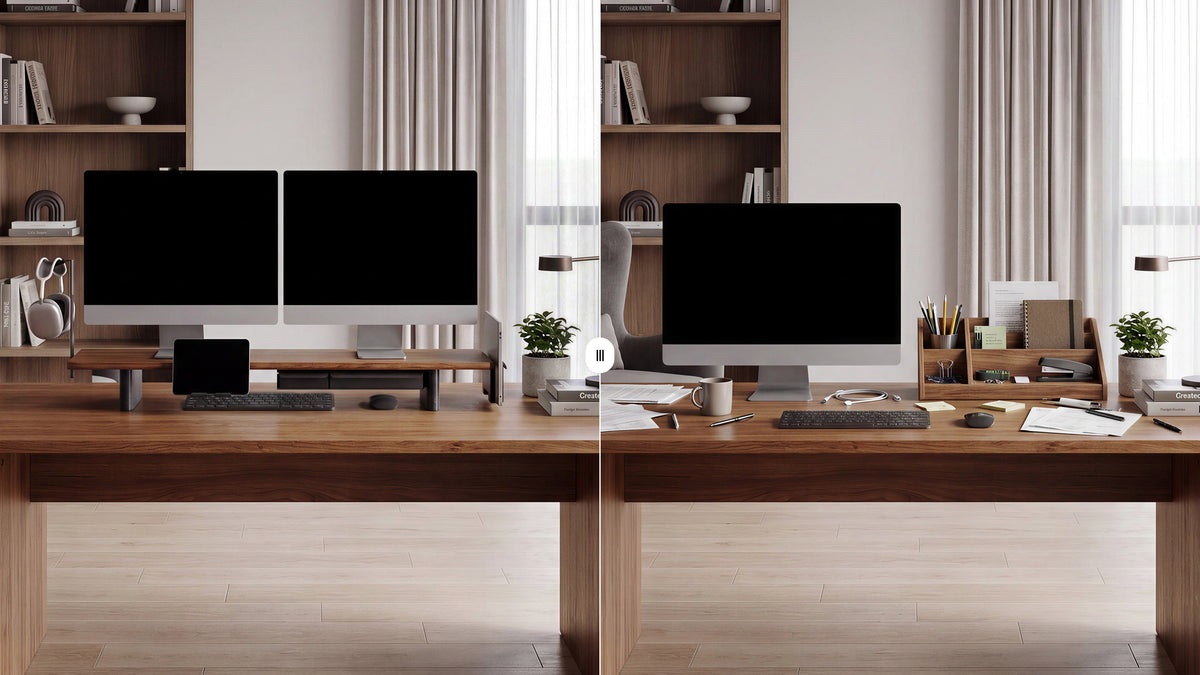
Monitor Stand vs. Desk Shelf: What Is the Difference?
A monitor stand is chosen mainly to support and position a display. A desk shelf is usually chosen to add a raised surface for storage and organization. The categories overlap: a well-sized desk shelf can hold a monitor, while a monitor stand can create room underneath for a keyboard or accessories. Choose by the structure, dimensions, and stated load capacity of the individual product.
The practical difference is what you need the product to do first. If your main goal is to raise a screen and fit its base securely, begin with a monitor stand or computer monitor riser. If you need a raised platform for speakers, notebooks, or small storage boxes, a desk shelf may be a better fit. Either can help organize a desk when its size and construction match the equipment.
Use this guide to compare screen support, working height, desktop footprint, stability, material, and storage before choosing.
Monitor Stand vs Desk Shelf: The Main Differences
| Feature | Monitor stand | Desk shelf |
|---|---|---|
| Primary purpose | Support and position one or more displays. | Add a raised surface for a mix of display and desk items. |
| Footprint | Often sized around a monitor base or a specific display arrangement. | Often spans more desk width and provides a broader usable top. |
| Space underneath | May fit a keyboard, notebook, or small accessories, depending on clearance. | May provide a longer storage area beneath the shelf surface. |
| What to verify | Platform size, load capacity, display base, stability, and screen height. | Top depth, shelf span, load rating, leg clearance, and intended use. |
| Best starting point | Screen support and monitor placement. | General desk organization and a raised storage surface. |
These are common design tendencies, not fixed product rules. Some monitor stands have wide shelves and drawers. Some desk shelves are explicitly designed to support monitors. Compare specifications and product diagrams rather than relying on the category label alone.
When a Computer Monitor Stand Makes More Sense
Your display base needs a stable, correctly sized platform
Measure the footprint of the monitor's included base, including any feet that extend beyond the center column. Compare that measurement with the stand's usable surface. Leave room for the base to sit flat and centered, and avoid placing it close to an unsupported edge.
You want to raise the display without buying a larger desk
A monitor stand can create a higher screen position and open a space underneath for a keyboard, notebook, or compact accessories. The amount of useful clearance depends on the stand's height and construction, so measure the items you plan to store there.
You use one or more displays as the focus of the workspace
A monitor-specific support can make a screen-centered setup easier to plan. For a dual-display arrangement, check total screen and base width, combined weight, and whether the platform is rated for the setup. Do not infer dual-monitor capacity from a product photo.
When a Computer Desk Shelf May Be the Better Fit
You need a raised surface for several kinds of items
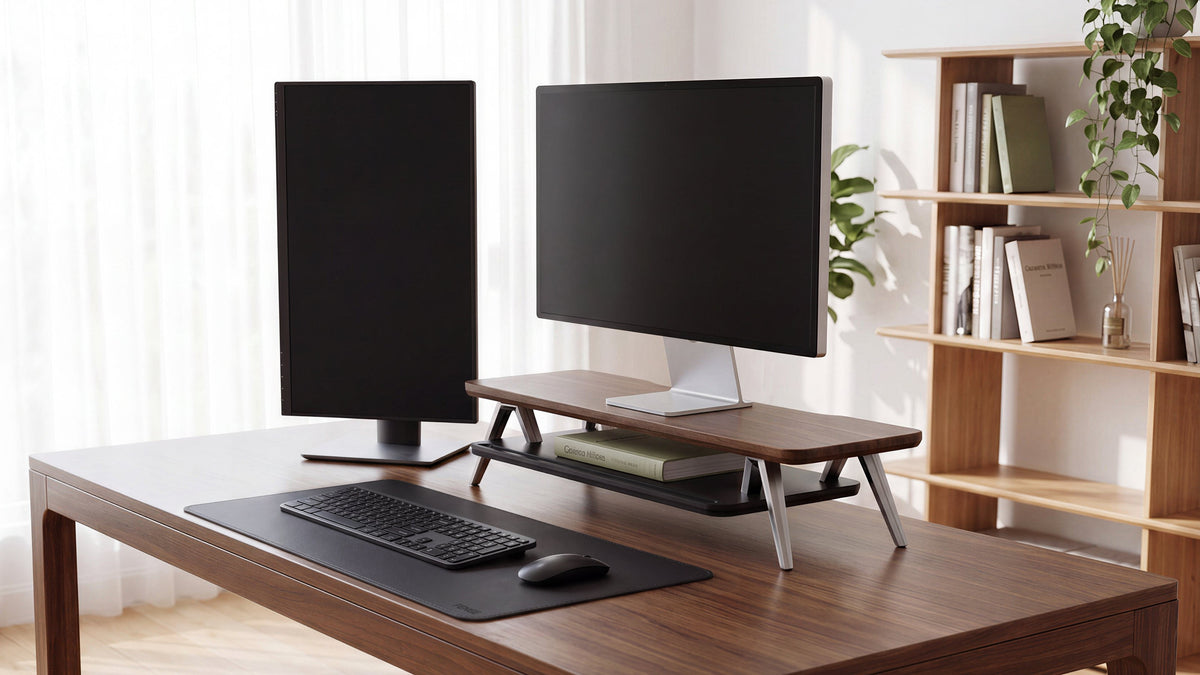
A wider desk shelf can group a monitor, speakers, a charging dock, or small organizers on one elevated level. This may help when you want these items together and the shelf has enough depth and load capacity for the arrangement.
You want more open storage beneath the top
A longer shelf can create a continuous space beneath it. This area may work for a keyboard, laptop, notebooks, or small desk accessories. Check the leg placement and usable height so the supports do not block the items you want to store.
Your desk layout benefits from a wider visual line
A shelf that spans part of the desk can visually group devices and accessories. This can be useful in a home office where the workspace also serves as a shared or multi-purpose room. Keep the top surface selective: a larger shelf can also become a place where unused items accumulate.

How to Choose the Right Size and Height
Measure the display and its base
Record the width and depth of the complete monitor base, not just the screen. If you use a VESA mount, check where the mounting hardware and support will sit. For a desk shelf, measure the exact position where the display will rest and note the distance between the shelf legs.
Check the screen position from your normal chair
Sit at your desk as you usually do and note the monitor's current height and distance. Consider how much higher the platform will place the display. A stand that raises the screen too far can make the setup less comfortable, so choose an elevation that works with your chair, desk, and monitor adjustments.
Measure the space below the platform
Measure the height of your keyboard, laptop, notebook, or storage box. Then check the clear height beneath the platform and between its supports. This simple check prevents a stand from technically adding storage space that does not fit your actual items.
Use the stated load limit, not a guess
Add the weight of the monitor and any items that will sit on the platform. Compare the total with the product's stated load limit and follow its setup instructions. If the listing does not clearly specify supported weight or use, contact the seller before placing an expensive display on it.
Wood, Metal, or a Mixed-Material Design?
Material affects appearance, weight, maintenance, and how a product fits with the desk. It does not determine strength by itself. Construction, joints, platform thickness, support placement, finish, and stated capacity all matter.
- Wood: can coordinate with a wooden desk and create a warmer furniture-like look. Check the finish, edges, and load information.
- Metal: can suit a more technical setup and use a visually slim frame. Check protective feet, contact points, coating, and whether the platform moves under load.
- Mixed materials: can balance a solid platform with a lighter frame or combine storage features. Review how the parts connect and whether the finish matches your other desk items.
If you prefer a wood finish, the keyword table includes wooden monitor stand. Use it as a product discovery phrase, then compare the actual dimensions, material description, and specifications on the listing.
Do You Need a Monitor Stand With Drawer?
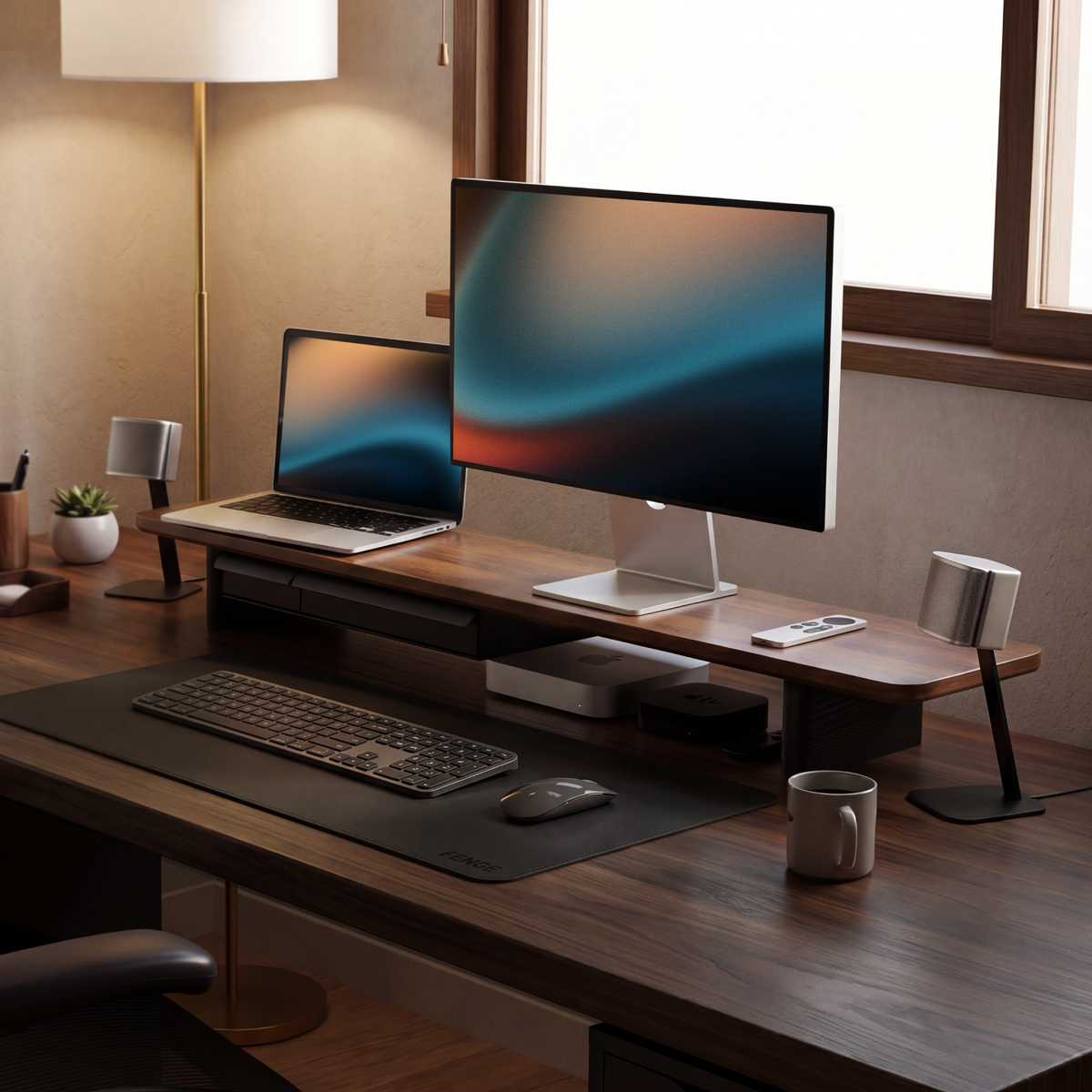
A drawer can make sense when small items such as adapters, charging cables, pens, or a remote control need a dedicated place. It combines a raised platform with enclosed storage, which may reduce loose items on the desktop.
A drawer also occupies some of the space beneath the platform. If you want to slide a full-size keyboard underneath, check whether the drawer changes the available clearance. Decide which storage use matters more before choosing a model with built-in storage.
The FENGE Matrix M210 is an option to consider if you want a monitor platform with drawer storage. Check the current product listing for its dimensions, configuration, load information, and available accessories, then compare those details with your monitor base and desk layout.

A Five-Step Buying Checklist
- Name the main job. Decide whether screen support or general shelf storage comes first.
- Measure your equipment. Record the monitor base, intended accessories, desk width, and usable depth.
- Set the height. Check the screen position from your chair and the clearance needed below the platform.
- Verify the construction. Review the product's load limit, dimensions, material, supports, and assembly details.
- Plan the whole desk. Account for keyboard access, cables, speakers, a laptop, and items that need storage.
Choose a Stand That Fits the Whole Desk
Compare monitor support, platform size, under-shelf clearance, and storage before choosing. If concealed space for small accessories is part of your plan, review the FENGE Matrix M210 and confirm its current specifications against your setup.
➡ View the FENGE monitor riser
Frequently Asked Questions
Can a desk shelf hold a computer monitor?
It can when the shelf's usable surface, construction, and stated load capacity support the monitor and its base. Check the individual product specifications before using it for a display.
Is a monitor stand the same as a monitor riser?
The terms often overlap. Both can describe a platform that supports and raises a monitor. Product design and specifications vary, so compare the actual structure and intended use.
Does a monitor stand improve ergonomics?
A stand can change screen height and desk organization, but a good result depends on your chair, desk, viewing distance, and display adjustments. Measure and test the screen position rather than assuming any added height is better.
Should I choose a monitor stand with a drawer?
Choose one when you want enclosed storage for small accessories and the drawer does not remove clearance you need for a keyboard or laptop. Check dimensions and layout before buying.
What is the difference between a desk shelf and a monitor stand?
A monitor stand is generally selected to support and position a display. A desk shelf is generally selected to add a broader raised surface for storage. Many products combine both functions, so compare their specifications.
Share:
Best Multi-Monitor Setup Combinations: What Sizes and Specs Should You Choose?