


How to Measure for a Monitor Riser Size Before You Buy
Choosing the right monitor riser is mostly a measurement problem. A stand can look wide enough online but still leave the monitor unstable, block your keyboard, or sit too high for comfortable viewing. Measuring your monitor and desk first helps you avoid returns and creates a more reliable workstation.
This guide explains exactly what to measure before buying a computer monitor riser: monitor width, base depth, total weight, desired lift, desk depth, cable clearance, and storage space. It also covers single-monitor and dual-monitor setups so you can compare products with confidence.
Quick Answer: What Determines the Right Monitor Riser Size?
Before you buy, record these seven measurements:
- The monitor's total weight, including its original stand.
- The monitor's overall width.
- The depth and shape of the monitor base.
- The height you need to add to reach a comfortable viewing position.
- The available front-to-back depth on your desk.
- The combined width and weight if you use two monitors.
- The storage and cable space you need under and behind the riser.
The riser should support the entire base on a stable platform. It should also leave enough room for your keyboard, mouse, cables, and normal arm movement. A larger platform is not automatically better if it makes the screen too high or consumes the working area of a small desk.

Monitor Riser Size: Measure Width First
Measure the widest point of the monitor and its stand from left to right. For a conventional monitor with a centered pedestal, measure the base width as well as the screen width. The base, not the panel alone, determines whether the riser can support the display safely.
Add a small margin on both sides so the monitor does not sit at the edge of the platform. A little extra width also makes it easier to center the display and route cables without creating pressure against the platform's sides.
For a large monitor riser, compare the platform's usable width rather than its outside dimensions. Frames, side panels, and rounded edges may reduce the actual flat area available to the monitor base.
Single-monitor measurement
Measure:
- the monitor base from its widest left-to-right point;
- any part of the base that extends forward or backward; and
- the distance between the monitor's feet and the edge of the platform.
Do not assume that a 27-inch or 32-inch monitor needs a particular stand size. Screen size is diagonal, while a riser supports the physical base and the load placed on it.
Dual-monitor measurement
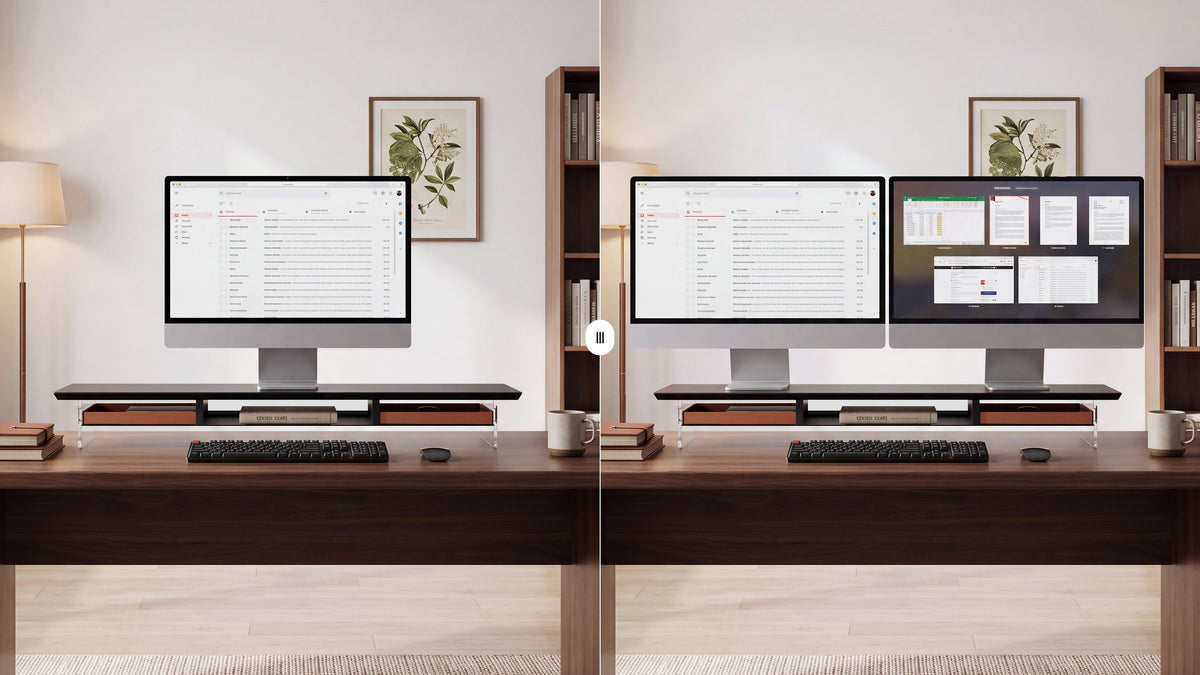
For a dual monitor riser for desk use, add the widths of both monitor bases and measure the complete arrangement as it will sit on the platform. Include the gap between screens and any angle you plan to use.
If the monitors overlap slightly or one screen is angled inward, measure the real footprint rather than simply adding the panel widths. The platform must still provide stable support when the screens are positioned and adjusted during daily work.
Measure Depth: The Dimension People Often Miss
Measure the front-to-back depth of the monitor base, then compare it with the usable depth of the riser platform. Leave room behind the base for video and power cables, and room in front of the riser for comfortable keyboard use.
Next, measure the available depth of your desk from the wall or rear edge to the front edge. A riser that fits the monitor but pushes your keyboard too far forward will make the desk less comfortable.
For a small monitor riser, depth is often more important than width. A compact stand should support the base without forcing the monitor against a wall or leaving the keyboard on the very front edge of the desk.
Use this simple check:
> Available desk depth - riser depth = remaining working depth
The remaining space should fit your keyboard and mouse with enough room for your wrists and normal movement. If you use a large keyboard, drawing tablet, or notebook, include those items in the measurement.
Measure Height: Find the Lift You Actually Need

The right monitor riser height depends on your seated posture, chair, desk, and display. Sit in your normal work position and look straight ahead without lifting your chin. Measure the vertical distance between the monitor's current position and the position that feels natural.
Most people need the top edge of the screen around eye level or slightly below, with the center of the display below their direct line of sight. Treat this as a starting point rather than a medical rule. Glasses, screen size, and personal comfort can change the best position.
To estimate the required lift:
- Set your chair and keyboard first.
- Place the monitor at its current height.
- Mark the height where the top edge should sit.
- Measure the difference between the two positions.
- Compare that difference with the platform height of each product.
Do not stack multiple objects to test a height. Loose books can slide, compress, or create an uneven base. Use a stable temporary platform, or hold the monitor securely while another person checks the height.
An adjustable monitor riser can be useful if you change chairs, share the desk, or alternate between different tasks. A fixed-height riser is often simpler when one person uses a fixed desk and needs a one-time lift.
Check the Monitor Riser Weight Capacity
The monitor riser weight capacity must cover the monitor, its original base, and anything else that will rest on the platform. Do not estimate weight from screen size alone. Check the monitor specification label or manufacturer documentation.
For two monitors, add both complete monitor weights. If one screen is larger or heavier, keep the total load centered and confirm that the platform does not flex under uneven loading.
Also check how the product states its capacity. Some manufacturers specify a total distributed load, while others provide guidance for a centered load. Follow the manufacturer's rating and leave a sensible margin instead of operating at the limit.
Confirm Desk Clearance and Stability
A monitor riser for desk use should sit flat on a surface that can support the combined load. Before buying, check:
- whether the desk is level;
- whether the riser feet can sit fully on the desktop;
- whether drawers, cable trays, or a raised rear edge interfere;
- whether the screen will be centered over the desk; and
- whether typing causes noticeable movement.
If the desk is against a wall, allow space for cables and ventilation. Do not push the monitor or riser into the wall just to gain a few centimeters of usable depth.
Plan the Storage Space Under the Riser
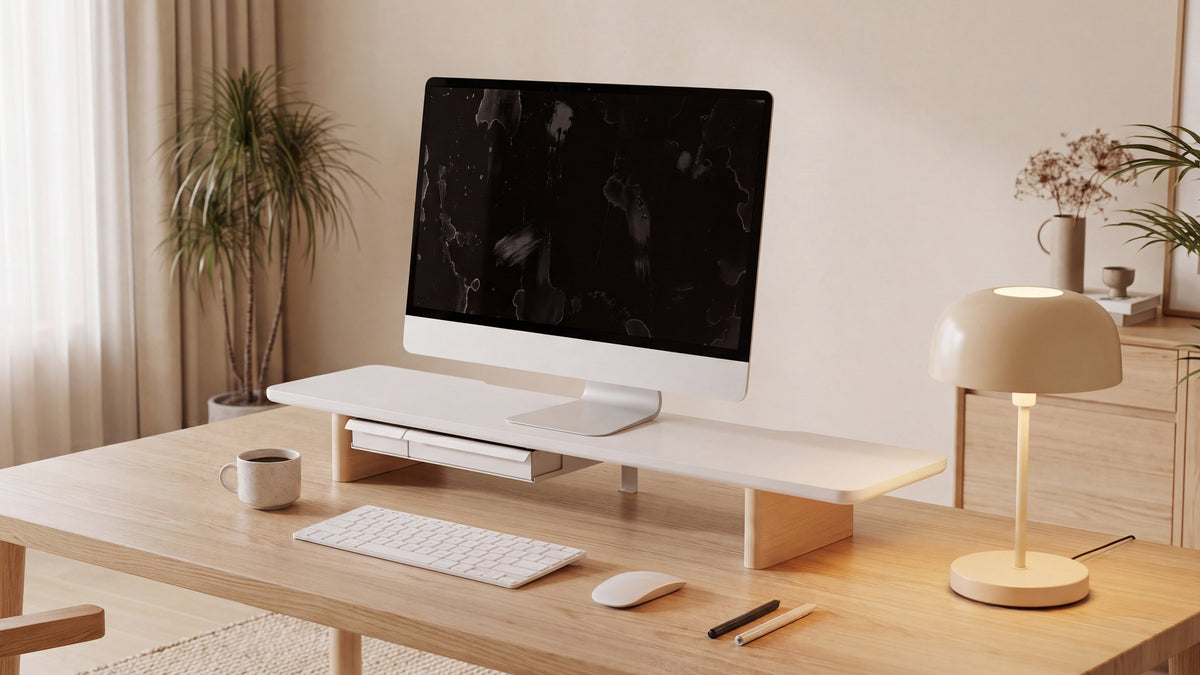
One advantage of a monitor riser with storage is the usable space beneath the screen. Measure the height and width of the items you want to store, such as:
- a full-size keyboard;
- a closed laptop;
- a docking station;
- notebooks and documents; or
- small speakers and desk accessories.
Measure the tallest item, not only the keyboard. If you plan to slide a laptop underneath, include its lid thickness and charging cable. Leave enough clearance to remove the item without lifting the riser.
Storage should improve the workflow, not create a dark, crowded compartment. Keep vents clear and avoid storing heat-producing devices in a confined space unless the product design allows it.
Single Monitor, Two Monitors, or a Monitor and Laptop?
One monitor

A single display usually allows the simplest layout. Prioritize a stable base, the correct lift, and enough remaining desk depth for your keyboard and mouse.
Two monitors
A monitor riser for 2 monitors needs enough width, depth, and load capacity for the combined setup. Measure the actual monitor bases and decide whether both screens will be level, angled inward, or arranged with one display slightly higher.
If the total platform becomes very wide, check that the desk itself can support the load without flexing. A wider stand may need more than a larger desktop; it may also need a clearer cable route behind the desk.
Monitor and laptop
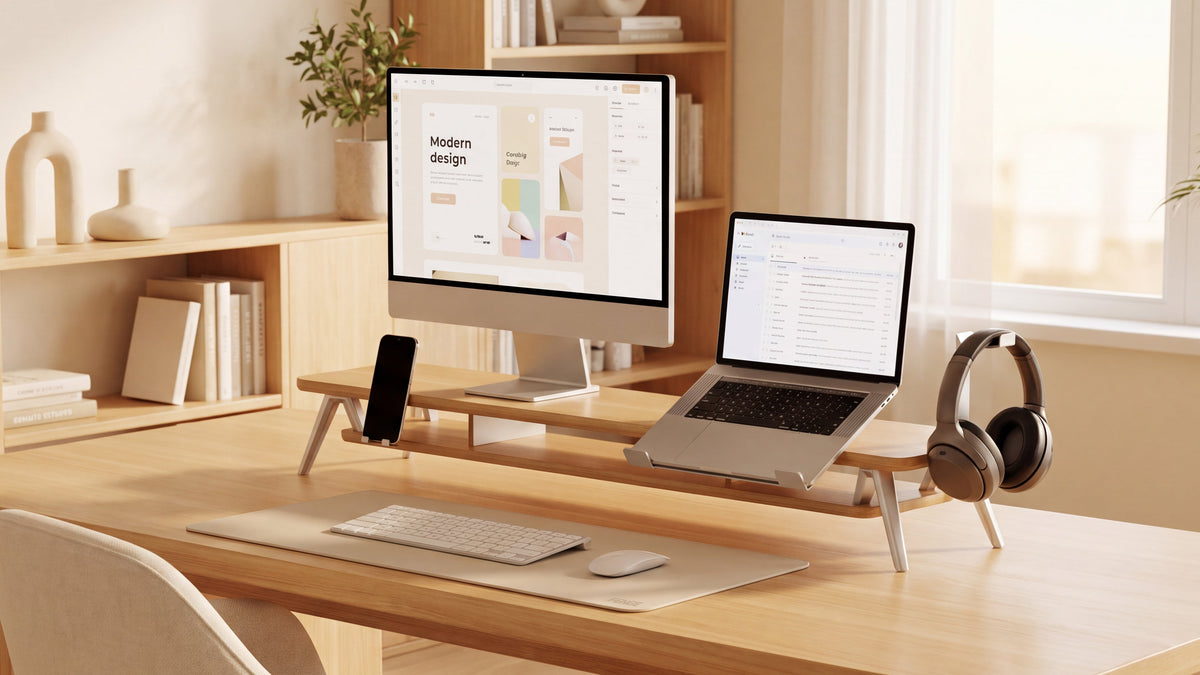
Some users place a monitor on the riser and a laptop underneath or beside it. Measure the laptop when open and closed, and confirm that the cable path does not push the monitor forward. An under-platform laptop position may be convenient for storage, but an external keyboard is usually needed for a comfortable primary setup.
A Practical Measurement Worksheet
Write down these values before comparing products:
| Measurement | Your value | Product requirement to check |
|---|---|---|
| Monitor or monitors total weight | ___ | Rated weight capacity |
| Widest monitor base footprint | ___ | Usable platform width |
| Deepest monitor base footprint | ___ | Usable platform depth |
| Required screen lift | ___ | Platform height or adjustment range |
| Available desk depth | ___ | Riser depth plus working depth |
| Storage item height | ___ | Clearance under the platform |
| Cable clearance | ___ | Rear gap and cable-routing space |
Compare the worksheet with the product specifications, not only the product photograph. If a dimension is missing, ask the seller or manufacturer before purchasing.
Common Measurement Mistakes to Avoid
Measuring the screen instead of the base
The diagonal screen size does not tell you whether the stand will fit. Measure the complete base footprint.
Ignoring the original monitor stand
The stand is part of the load and often determines depth. Include it in both the weight and footprint measurements.
Choosing the tallest riser
More height is not always better. If the screen is too high, you may lift your chin or strain your eyes. Select the smallest stable lift that reaches a comfortable position.
Forgetting the keyboard and cables
A riser can fit the monitor and still make the desk unusable. Measure the remaining working depth and cable path.
Assuming two monitors need twice the width
The real footprint depends on bezels, angles, bases, and overlap. Measure the planned arrangement on the desk.
FENGE Recommendation
FENGE recommends measuring the complete setup before choosing a monitor riser. In addition to screen size, compare the platform width, usable depth, height, storage clearance, and supported weight.

For a fixed home office, a stable platform can provide a simple lift while making it easier to organize items below the monitor.
Browse the FENGE monitor stands collection to compare desktop layouts and storage options. Confirm the product's current dimensions and weight specifications before purchasing.
If you use one laptop and one 27-inch monitor, the FENGE Rodin A311 is a suitable option to consider. It is designed for an efficient workflow that brings your laptop, external monitor, phone, and headphones together in one organized setup.
If you use two 27-inch monitors or an ultrawide display, choose a standard-length monitor stand with a platform that supports a length of up to 42.5 inches, or compare FENGE's other long-platform styles. Because each series has its own design and construction, exact dimensions and supported loads vary; review the specifications on the individual product page before buying.
Frequently Asked Questions
How do I know what monitor riser size I need?
Measure the monitor base width and depth, total weight, required height increase, and available desk space. Choose a platform with usable dimensions slightly larger than the base and a weight rating above the complete load.
Is monitor screen size enough to choose a riser?
No. Screen size is measured diagonally and does not account for the base footprint, stand weight, or cable clearance. Use the physical monitor and base measurements instead.
How high should a monitor riser be?
Start by positioning the top of the display around eye level or slightly below while you sit naturally. Measure the lift required from your current setup, then choose a stable platform close to that height.
What size riser do I need for two monitors?
Measure the combined footprint of both monitor bases in their intended positions, add their total weight, and check the riser's usable width, depth, and capacity. Include the angle and gap between the screens.
Can I put a laptop under a monitor riser?
Yes, if the clearance, ventilation, and cable routing are suitable. Measure the closed laptop height and use an external keyboard and mouse if the laptop screen is raised or stored beneath the platform.
Is a wider monitor riser always more stable?
Not necessarily. Stability depends on platform construction, feet, load placement, desk strength, and weight distribution. A wider platform is useful only when it matches the setup and remains fully supported by the desk.
Final Recommendation
The best monitor riser size is the smallest platform that safely supports your complete monitor setup while providing the height, depth, storage, and cable clearance you actually need.
Measure first, compare usable dimensions second, and verify weight capacity before buying. A few minutes with a tape measure can prevent an unstable screen, a cramped keyboard position, or an ergonomic adjustment that does not work in daily use.
Read more
The Ergonomics of Monitor Risers: Protect Your Neck, Spine, and Workflow
The Art of Wood Care: Protecting Your Solid Wood Monitor Stand
Share:
How High Should Your Monitor Be? A Practical Desk Ergonomics Guide
How to Choose a Monitor Stand for Dual Monitors or a 32-Inch Monitor