


Modern professional life centers around screen time. Yet, after hours of continuous focus, familiar physical tolls emerge: persistent neck tightness, heavy shoulders, and straining eye muscles. While many professionals invest heavily in ergonomic task chairs, they frequently overlook the primary driver of upper-body fatigue and subconscious stress—incorrect screen height.
A premium monitor stand is far more than a simple desktop storage shelf; it is an essential ergonomic architecture designed to restore your neutral posture, alleviate spinal fatigue, and cultivate a serene, emotionally grounding sanctuary for deep work.
1. Eye Level, Cervical Alignment, and Inner Calm
The habit of looking down at a low monitor exerts severe, compounding physical stress on the human neck while quietly triggering feelings of physical compression and mental burnout.
The Physical Burden of the Forward Head Posture
Compounding Physical Load: When your head tilts forward to view a low display, the effective load on your cervical spine increases exponentially, straining muscles and restricting healthy breathing patterns.
"When your head tilts forward by just 15 degrees, the weight borne by your cervical spine jumps from roughly 12 pounds to 27 pounds. At a 60-degree tilt, that burden rockets to 60 pounds—roughly equivalent to carrying an eight-year-old child on your neck all day."— Dr. Kenneth Hansraj, Chief of Spine Surgery, New York Spine Surgery & Rehabilitation Medicine The Ergonomic Golden Rule & Emotional Elevation
The Neutral Gaze: Elevating your display restores the body’s natural mechanical balance and instills an immediate sense of control.
"The top of the monitor screen should be placed at or slightly below eye level. This positioning ensures your sightline rests naturally downward at a 15- to 20-degree angle—the optimal neutral position where neck muscles experience zero strain."— OSHA (Occupational Safety and Health Administration)
The Psychology of Elevation: Physical elevation naturally influences internal state. Looking up or straight ahead opens the chest cavity, deepens respiration, and projects confidence, transforming a slouched, submissive working posture into an empowered executive stance.
2. Posture Correction and Upper Back Relief
Screen height triggers an immediate anatomical chain reaction. Looking down forces your chin forward, rounding your shoulders and causing the upper thoracic spine to collapse into a slouch.
Rebuilding the Neutral Spine
Biomechanical Alignment: Lifting your display reverses this postural collapse instantly.
"We cannot eliminate sitting fatigue entirely, but we can engineer a neutral spine by adjusting screen placement. The body follows the eyes—when the monitor is elevated to the correct horizon, the upper back and shoulders automatically pull back into natural alignment."— Dr. Alan Hedge, Professor Emeritus of Ergonomics, Cornell University
Preserving the Natural S-Curve: Raising your display encourages your lower back to rest naturally against your chair's lumbar support. This maintains the spine's natural "S" curve, removes compensatory pressure from the lower back, and relieves physical fatigue before it transforms into emotional irritability.
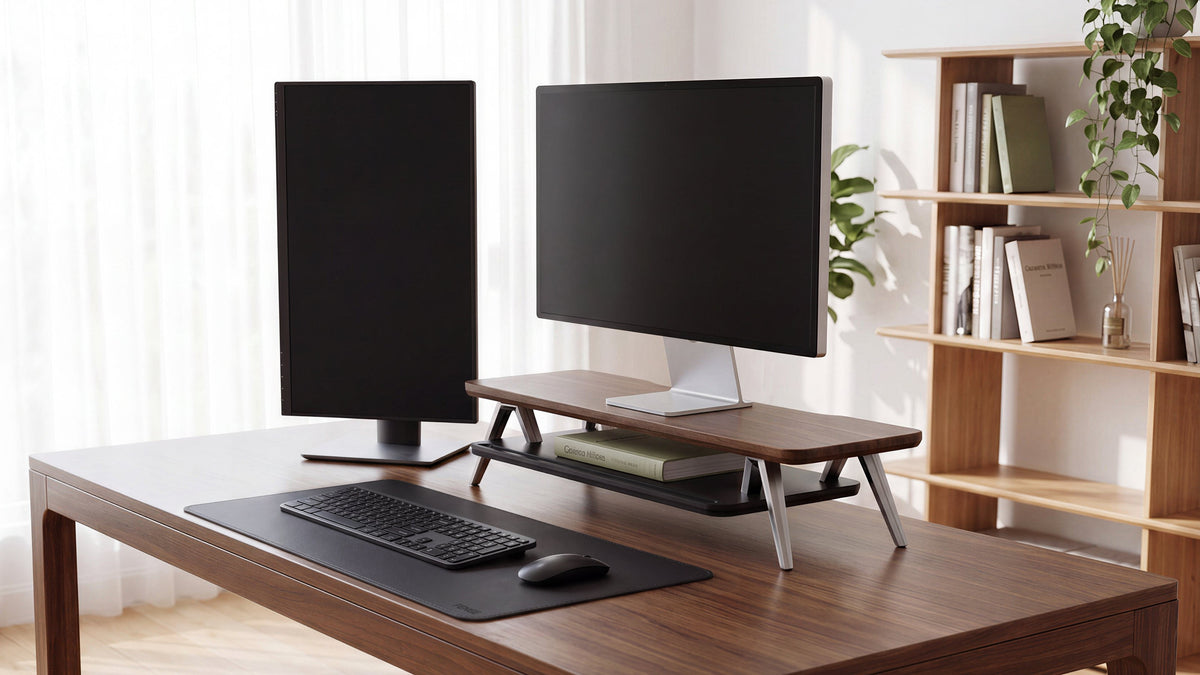
Heavy-Duty Multi-Screen Harmony: For power users running complex multi-monitor layouts, a heavy-duty dual monitor stand lifts dual displays simultaneously, preventing awkward neck rotation and keeping your entire upper body balanced and composed.3. Eye Strain Reduction and Optimal Viewing Distance
Proper ergonomic arrangement extends beyond height; horizontal distance and focal angle are equally critical for visual fatigue prevention and cognitive ease.
- The One-Arm Distance Rule: Position your display approximately an arm's length away (50–70 cm). This maintains an ideal focal plane that reduces ocular strain.
- Minimizing Ocular Muscle Fatigue: When a monitor sits too low, your ciliary muscles constantly contract to adjust focus as you slouch forward. Elevating your screen on a structured desk shelf stabilizes your viewing distance, protecting you from eye strain and the mental fatigue associated with prolonged screen exposure.
4. Desktop Sanctuary: Visual Order & Emotional Healing
Beyond biomechanics, elevating your monitor creates valuable physical real estate that directly nurtures your emotional well-being and psychological focus.
-
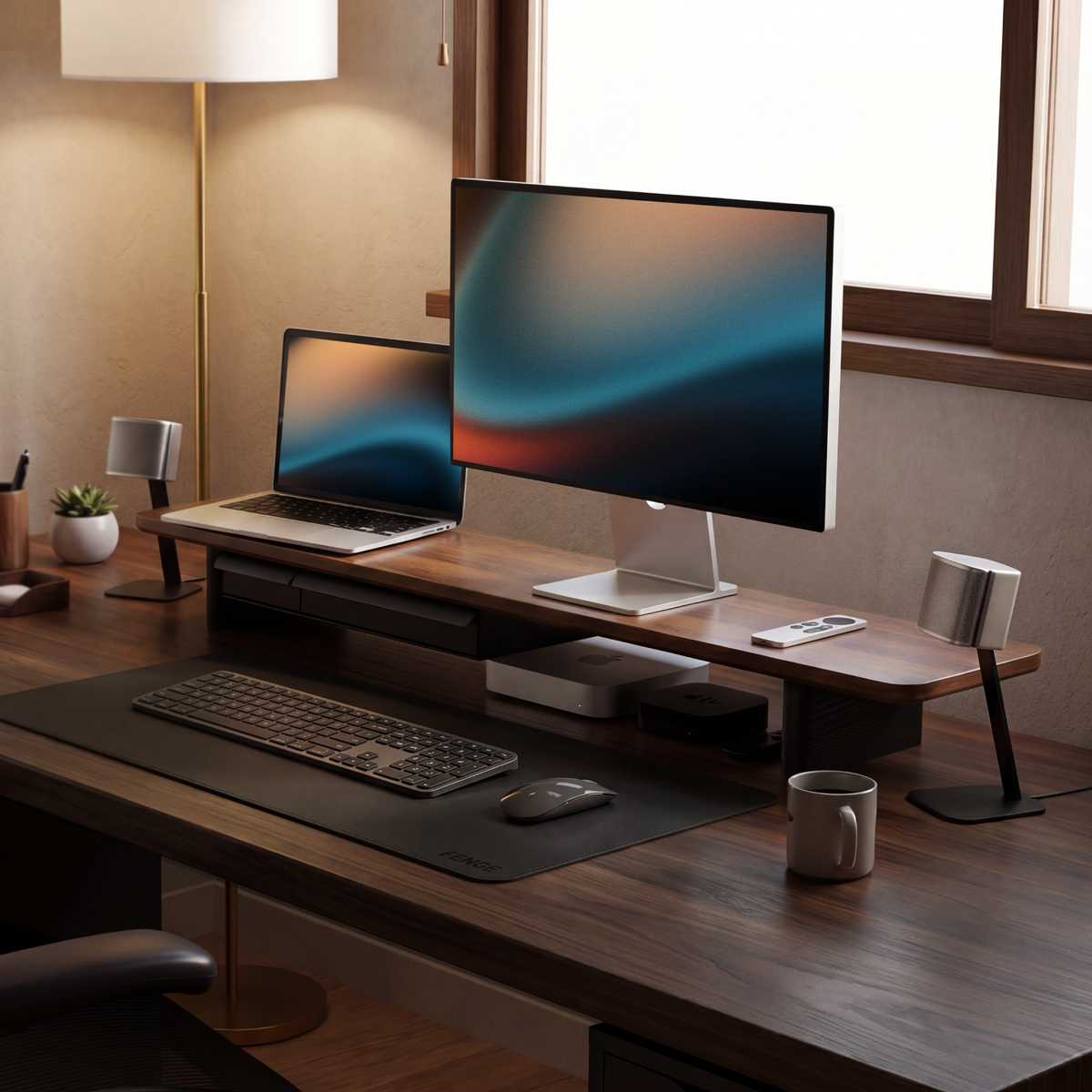
Vertical Space Extension: Raising your monitor creates an open, unobstructed void beneath the shelf platform. Stowing keyboards, notebooks, or daily tools underneath turns a chaotic desk into a clean horizontal baseline.
-
Sensory Restoration & Tactical Comfort: Incorporating natural organic textures or refined tactile materials into your setup acts as a sensory buffer against icy glass displays and cold hardware. Touching warm, smooth surfaces between high-stress tasks restores emotional balance and provides quiet moments of tactile relief.Decluttering the Mind: Physical clutter creates continuous mental friction that degrades executive focus and heightens anxiety.
"Visual clutter in human environments continuously competes for cognitive resources, draining working memory and reducing processing efficiency. An elevated display platform with integrated storage restores visual order, significantly lowering subconscious stress."
— Princeton Neuroscience Institute
Invest in Your Physical and Emotional Foundation
A well-engineered fenge desk shelf or monitor riser is far more than a utility—it is an indispensable investment in your posture, emotional resilience, and cognitive performance. By aligning your displays with certified ergonomic standards, you eliminate neck fatigue, maintain a neutral spine, and build a quiet tactile sanctuary where deep focus and creative peace naturally flourish.
Share:
The Summer Refresh: Breathe New Life Into Your Workspace
Why an Ergonomic Desk Setup Matters This Season