

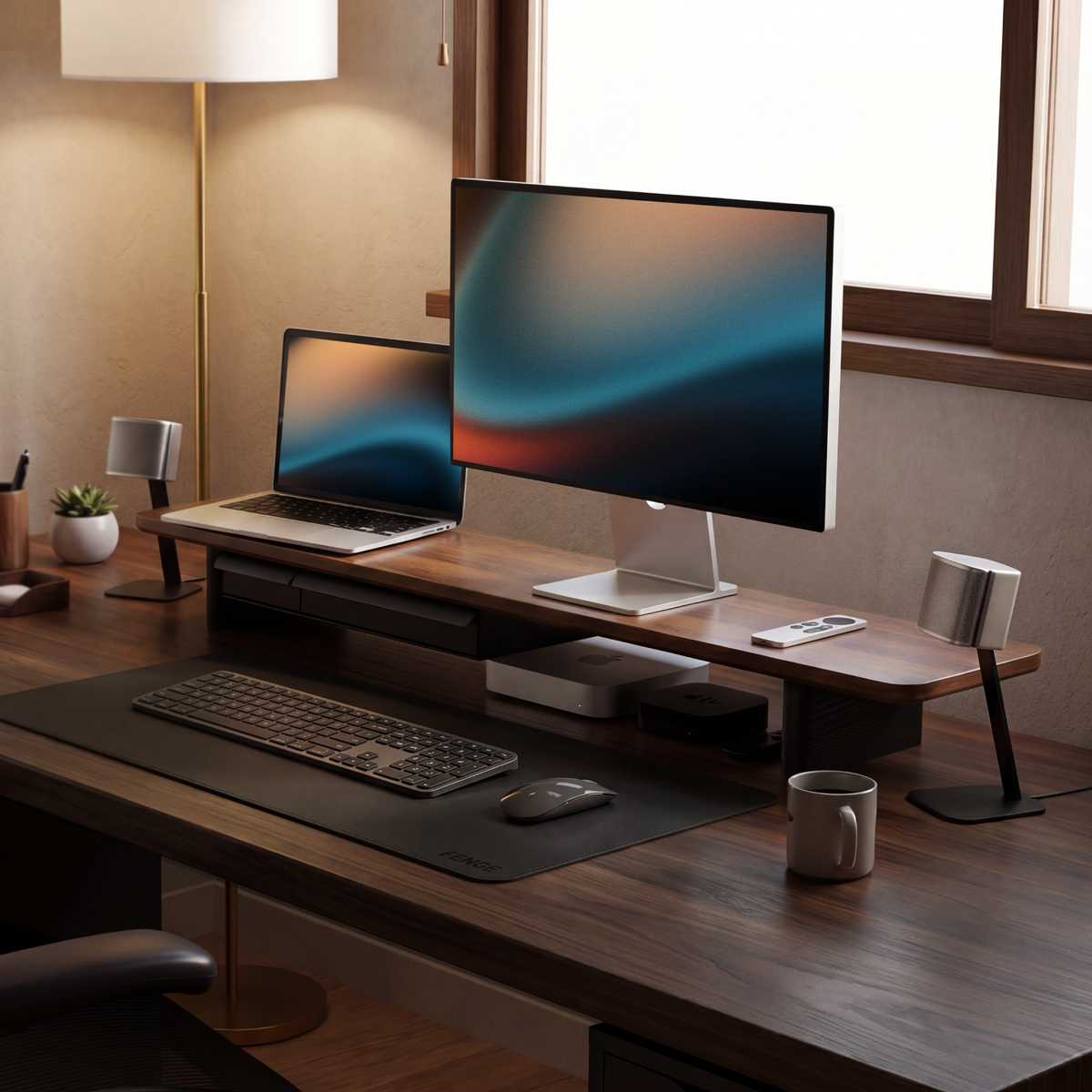
8 Home Office Desk Setup Tips You Should Know
A good home office desk setup should make your work easier before you start adjusting it every day. The strongest setups usually share a few habits: they keep active tools within reach, move storage upward or underneath the desk, route cables out of sight, and place the monitor where it supports the way you work.
Two useful starting points for this guide are the small-office planning ideas in Madison Liquidators' space-saving desk guide and the layout and equipment suggestions in Pago International's home office setup guide. Reddit discussions add a more practical layer: people show what happens after a desk looks tidy in a photo and then has to support real work, charging, printing, gaming, and daily clutter.
The ideas below are meant for a US home office, whether you work in a spare room, a bedroom corner, or a compact apartment. Start with the changes that solve your largest daily problem, then refine the look after the layout works.
1. Position the Desk Around Light and Distraction
Start with the room, not the accessories. Place the desk where daylight can reach the workspace without reflecting directly into the display. A window to the side often gives useful light while keeping reflections lower than a window directly behind or in front of the monitor.
Reddit users discussing home office layouts also mention facing a door or choosing an outside wall so the desk feels less distracting. These are personal preferences, but they point to a useful test: sit in the chair for ten minutes and notice what your eyes see when you pause between tasks.
Reserve the wall behind the desk for vertical storage, artwork, or a shallow shelf. That lets the work surface stay open while the room still feels finished.
2. Clear the Surface Before Adding More Storage
Many home office desk ideas begin with a product list. A better first step is to remove everything that is not used during the current task. In one Reddit discussion about a small home office, the stated goal was to “get all the stuff off the desktop so the desk can be the star.” That principle makes it easier to see what storage you actually need.
“The goal is to get all the stuff off the desktop so the desk can be the star.”Community comment surfaced in SmallHome
Make three groups: active items, occasional items, and items that do not belong in the office. Keep the first group within reach. Store the second group in a drawer, cabinet, or vertical organizer. Move the third group out of the room.
3. Use Vertical and Hidden Storage
Small rooms run out of desktop area quickly, but they often have unused wall height. Replace wide trays with vertical file holders, add a shallow shelf, or use a cabinet above or beside the desk. This follows the space-saving approach described by Madison Liquidators and the Reddit suggestion to use vertical organizers that reclaim desk footprint.
Keep heavy equipment low and reserve upper storage for lighter supplies. A shallow wall shelf can hold notebooks and small boxes, while a drawer can hide adapters, cables, and stationery that would otherwise collect around the keyboard.
Hidden storage also improves the visual rhythm of the setup. You can keep daily tools accessible while allowing the desk surface, wall, or wood grain to remain visible.

4. Move Printers, Towers, and Infrequent Devices Off the Desktop
A printer or desktop tower can consume the area where your hands and monitor need to work. Reddit commenters often recommend moving the tower to the floor, placing the printer on a separate stand, or storing equipment that is used only occasionally in a cabinet.
Before moving anything, check ventilation, power access, and how often you need to reach the device. A printer that is used once a month does not need to sit beside your mouse. A computer tower may work under the desk if it stays clear of dust, feet, and cables.
This change often improves the setup more than another decorative accessory because it returns a large, continuous section of the desktop to daily work.
5. Choose One or Two Monitors Based on the Work
A single monitor is often easier to center, easier to light, and simpler to organize. Two monitors can reduce window switching for research, spreadsheets, development, customer support, and editing. The correct choice depends on what you keep open together.
Reddit discussions show both sides. Some users suggest removing a screen when multiple displays crowd a small desk. Others use a dual-screen setup for work, productivity, media, and gaming. The practical question is whether the second screen replaces repeated window changes or simply adds another surface to manage.
If your laptop is part of the workflow, test whether it should stay open beside the monitor, sit on a stand, or run in clamshell mode. Two pointing devices and several overlapping cables can erase the benefit of an extra screen.
6. Raise the Monitor and Reclaim the Space Under It
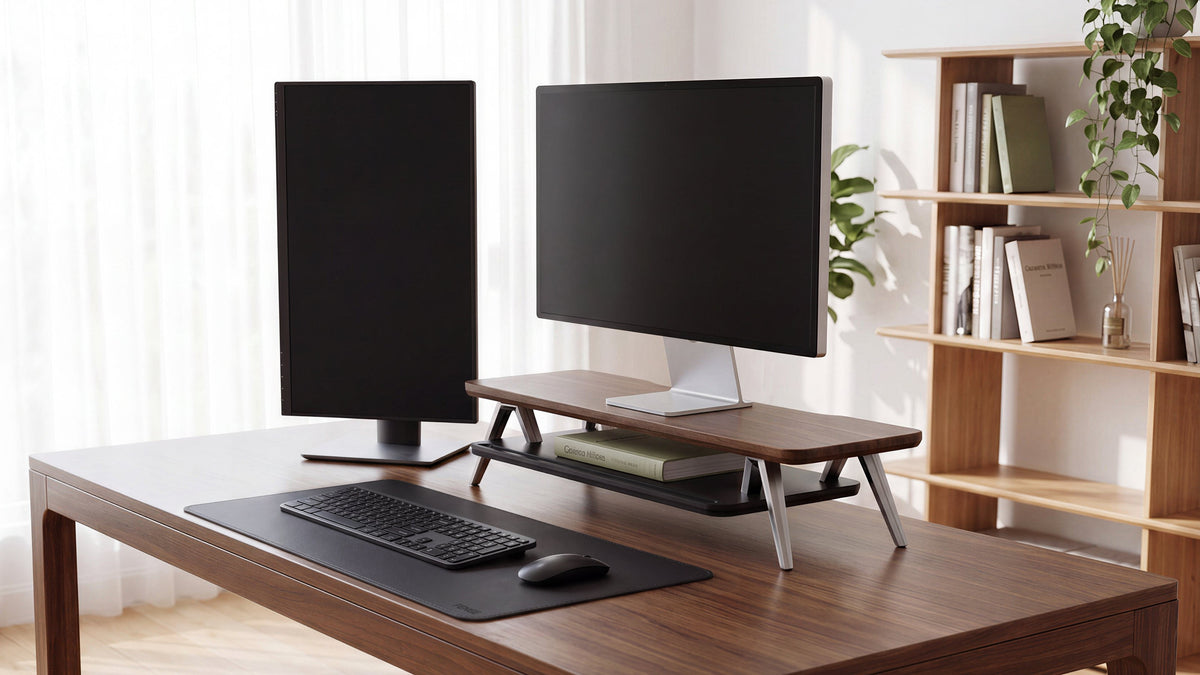
A monitor that sits too low can make the desk feel crowded because the keyboard, notebook, and accessories have nowhere to go. A monitor riser creates a second level: the screen sits above, while the space below can hold a keyboard, notebook, controller, or small storage items.
This is one of the most useful small home office desk ideas because it changes the layout vertically. It can preserve usable depth without requiring a larger desk. Before choosing a riser, measure the display base or VESA position, platform depth, screen height, and the cable bend behind the monitor.
FENGE monitor risers are designed for people who want screen elevation and desk organization in the same setup. For a laptop and one external monitor, the FENGE Rodin A311 combines a laptop stand, external-monitor platform, headphone stand, and phone stand. Its layout keeps several daily devices in one work zone.

For a simpler screen-centered arrangement, review the FENGE Rodin A222. Check the current product page for dimensions and configuration details, then confirm that the display base, keyboard, and cables fit your desk.
7. Build Cable Management Into the Layout
Cable management works best when it is planned before the desk is full. Decide where power enters the desk, which devices share a charging point, and where the monitor cable needs to turn. Use clips, a tray, or a sleeve to guide cables along the rear edge and leave enough slack for cleaning and adjustment.
One Reddit comment described the lack of cable management as the “only big fail” in an otherwise attractive setup. That reaction is common because loose cables make a small desk appear crowded even when the surface is technically clear.
“Only big fail I see here is the lack of cable management.”Community comment surfaced in homeoffice
Keep high-use cables easy to access and hide fixed cables. Label the ends of similar chargers. If you use a monitor riser, route cables behind or beneath it so the raised platform supports the setup instead of creating a new tangle.
8. Finish the Setup Around Comfort and Daily Habits
A desk can look excellent in a photo and still feel awkward during a long work session. Set the chair and desk height first, then place the keyboard, mouse, monitor, and lighting around your normal position. Add a footrest if your feet do not rest comfortably on the floor.
Reddit users also point out that ergonomics become obvious once work starts. One comment about a home office setup said, “ergos REALLY matter.” Treat that as a reminder to observe your real habits: where your shoulders rest, how often you turn your head, and whether you reach around a monitor base for everyday items.
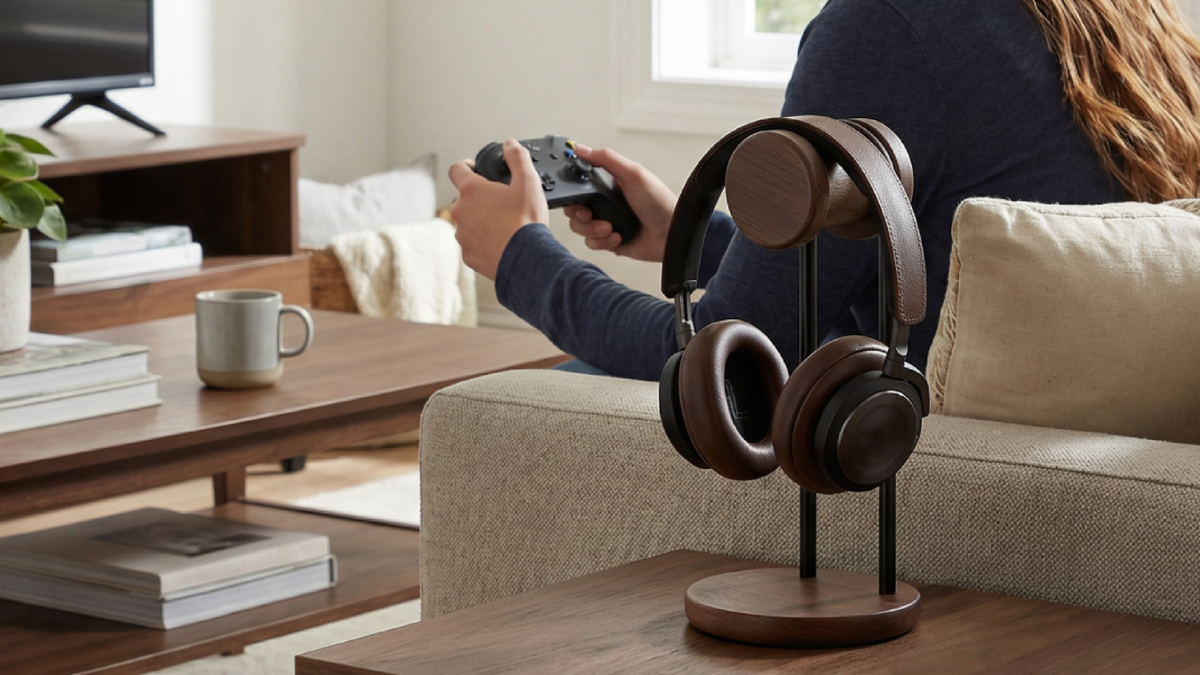
Keep the desk personal, but give every recurring item a place. If you use headphones, a dedicated stand prevents them from occupying the keyboard area. If you use a notebook every day, reserve a clear section under or beside the monitor.
What Reddit Desk Setup Discussions Add
The Reddit discussions referenced in this guide add useful reality checks to standard setup advice:
- Reduce visual noise. Store tape, pens, peripherals, and inactive devices when you are not using them.
- Use vertical space. Vertical paper organizers, shelves, and shallow cabinets preserve floor and desktop area.
- Remove redundant equipment. If multiple screens or two mice crowd a small desk, consolidate the workflow before buying more storage.
- Move large items. Towers, printers, and trash bins can often move to the floor, a cabinet, or a separate stand.
- Show the desk surface. Fewer loose items can make a small area feel larger and help the material of the desk become part of the design.
- Test comfort in use. Desk height, foot support, keyboard angle, and monitor placement matter after the setup photo is finished.
These are community observations rather than a ranking of products. They are valuable because they focus on the friction that appears after the desk is used for a real week.
Why a Monitor Riser Belongs in a Home Office Setup
A monitor riser supports three related improvements: it elevates the display, creates usable space underneath, and gives the desk a clear visual center. That combination can be more useful than adding separate small organizers across the surface.
It also creates a natural place to manage the rest of the setup. A keyboard can slide beneath the raised platform when you need writing space. A notebook can stay within reach without sitting in front of the display. Accessories can be grouped around the screen instead of scattered across the desk.
Choose a riser only after measuring the display and the desk. Confirm the product's current dimensions, load limits, supported configurations, and clearance before ordering. A stable, correctly sized riser should make the rest of the workspace easier to arrange.
Build a Home Office That Works After the Photo
Start with the desk position, remove inactive items, move storage upward, route the cables, and choose the monitor layout around your work. Add a monitor riser when you want screen elevation and a useful second level for the rest of the setup.
Frequently Asked Questions
What is the most important home office desk setup tip?
Start by clearing the surface and positioning the desk around light and your normal work position. Then add storage only for items that still need to stay nearby.
How do I set up a small home office desk?
Use vertical or hidden storage, move large infrequent devices away from the main work area, keep only active tools on the surface, and raise the monitor to reclaim space below it.
Is a monitor riser useful for a laptop setup?
Yes. A suitable riser can keep the external monitor elevated while a laptop stand holds the laptop at a workable height. Check the platform dimensions, screen position, and cable route before combining products.
How can I make my home office look less cluttered?
Remove inactive items, use drawers or vertical organizers, hide fixed cables, move the printer or tower away from the desktop, and leave some of the desk surface visible.
Should I use one monitor or two?
Use two when the second screen replaces repeated window switching. Use one when space, simplicity, and a centered workflow matter more. Measure the desk before choosing a dual-monitor arrangement.
Related Articles
Should I buy a 27-inch or a 32-inch monitor for everyday office work?
Before and After: How a Monitor Riser Changes a Small Desk Setup
Share:
How to Choose Between a Wooden and Metal Headphone Stand?
Best Multi-Monitor Setup Combinations: What Sizes and Specs Should You Choose?