

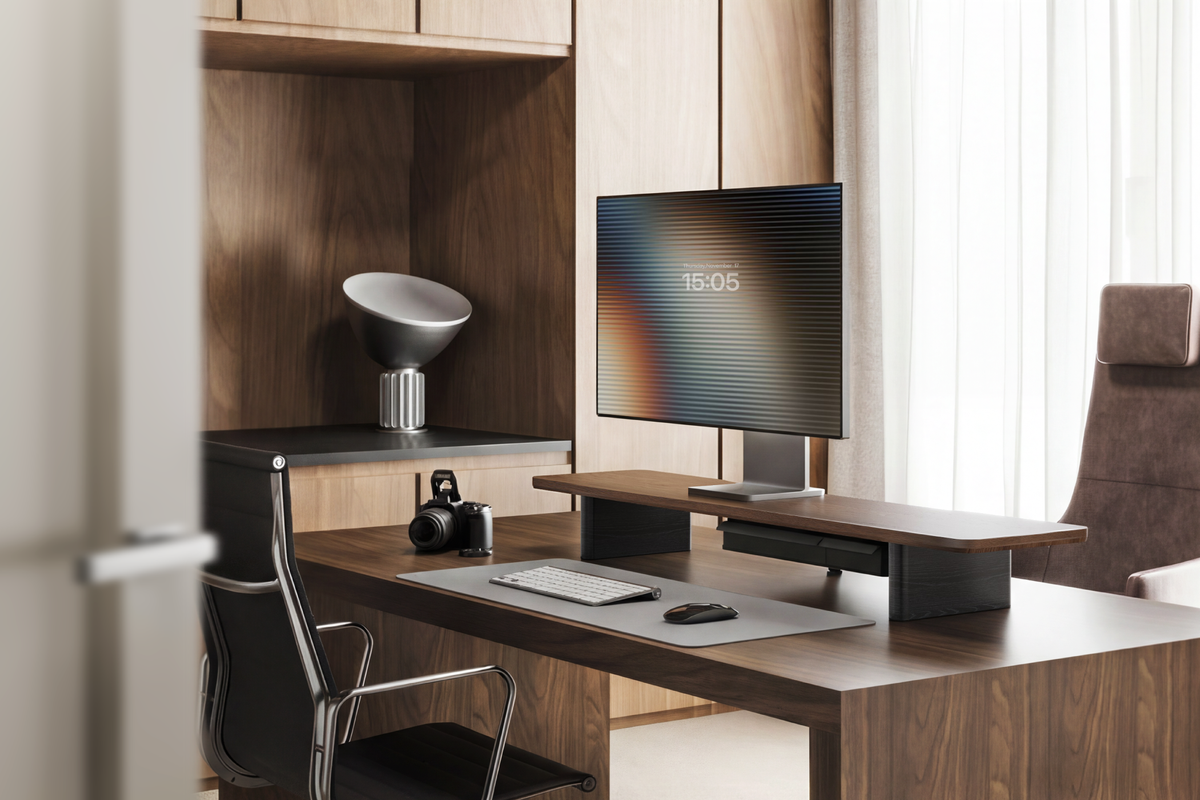
Should I buy a 27-inch or a 32-inch monitor for everyday office work?
For most office desks, a 27-inch monitor is the easier default. It fits a wider range of desk depths and looks sharp at common 1440p resolutions. A 32-inch monitor becomes the better choice when you want larger text, more room for side-by-side windows, and enough distance between your eyes and the screen.
The size alone does not decide the answer. Resolution, viewing distance, desk depth, operating-system scaling, and the work you do every day matter just as much. A well-positioned 32-inch display can feel spacious and calm; a poorly positioned one can feel too close and force constant head movement.
This guide uses the Reddit discussion shared in the brief as a source of practical questions buyers raise in real setups. Community advice is useful for spotting tradeoffs, but it is anecdotal. Treat it as a list of issues to test at your desk, not as a controlled product test or a universal recommendation.
27-Inch vs. 32-Inch: What Actually Changes?
A monitor's advertised size is measured diagonally. The useful difference is the amount of workspace the display gives you at your normal viewing distance. A 32-inch screen has a larger physical image, while a 27-inch screen usually takes less depth and less horizontal space.
At the same resolution, the larger panel spreads the same pixels over more area. That can make interface elements look larger, but text and fine details may appear less dense. A 32-inch 4K monitor has much higher pixel density than a 32-inch 1440p monitor, so do not compare screen size without comparing resolution.
| Factor | 27-inch monitor | 32-inch monitor |
|---|---|---|
| Desk fit | Works on more moderate-depth desks and leaves more room for speakers or a laptop. | Needs more depth and width, especially when the stand sits behind a keyboard. |
| Window layout | Comfortable for one main window or two narrower windows. | More room for two full-height windows, spreadsheets, or a wide timeline. |
| Common office pairing | 1440p is a practical balance of sharpness and graphics demand. | 4K is often the more convincing choice when you want crisp text on a large panel. |
| Viewing distance | Usually easier to place on a compact desk without feeling oversized. | Benefits from more space between your chair and the screen. |
| Adjustment tolerance | Small height and depth changes are less noticeable. | Stand height, viewing angle, and scaling have a bigger effect on comfort. |
When a 27 inch monitor Is the Better Buy
Choose 27 inches for a balanced home-office footprint
A 27-inch monitor is a strong starting point if your desk is around the size of a typical home-office workstation and you want space for a laptop, notebook, or speakers. It is also easier to center without pushing your keyboard toward the front edge of the desk.
Choose 27 inches for a close viewing position
If your chair must stay close to the desk, a smaller screen can be easier to scan from edge to edge. You can still use a larger display, but you may need to move it farther back or lower the interface scale. The correct position depends on your eyes, tasks, and room, so use the size as a starting point rather than a health rule.
Choose 27 inches when 1440p is your practical target
For documents, browser tabs, project management, and general office software, 27 inches at 2560 × 1440 is a common middle ground. It gives you more workspace than 1080p without making the graphics workload as demanding as a large 4K display. Check the individual monitor's text clarity, scaling behavior, and connectivity before buying.

When a 32 inch monitor Is Worth the Extra Space
Choose 32 inches for side-by-side work
A 32-inch monitor makes sense when you spend the day comparing spreadsheets, source documents, dashboards, designs, or long timelines. The extra physical area can reduce the need to resize windows, but it does not replace a good layout. You still need to place the most important window near the center of your view.
Choose 32 inches when your desk is deep enough
Measure from the front edge of the desk to the wall or rear cable space. Then add the monitor's stand depth, the keyboard position, and the space needed to move your chair. If the display ends up too close, a 32-inch panel may feel less useful than a smaller screen positioned correctly.
Choose 32 inches when you will use scaling deliberately
Large 4K monitors often work best when you choose a comfortable operating-system scale instead of insisting on the smallest possible text. Scaling lets you keep crisp rendering while making menus and controls readable. Check whether your most-used applications handle scaling well before you commit to a large high-resolution display.
What Reddit Discussions Add to the Decision
The Reddit monitor guide discussion is useful because it reflects the questions buyers ask after the headline specifications have been listed. People tend to disagree on a single “best” size because their desks, eyesight, work software, and viewing distances differ.
Use that kind of community discussion to test four practical questions:
- How far will you actually sit? Measure your normal chair position, not the maximum distance your room allows.
- What do you keep open together? A 32-inch panel is valuable when it replaces constant window switching, not simply because it is larger.
- What resolution can your computer drive comfortably? A large panel at a lower resolution may not deliver the text clarity you expect.
- What will happen to the rest of the desk? A larger monitor can displace a laptop, speakers, task light, or storage unless you plan the layout first.
That is the most useful lesson to take from Reddit: treat personal reports as setup examples. Borrow the questions and measurements, then test the recommendation against your own desk.
How to Compare Monitor Brands Without Getting Distracted
Brand reputation can help you build a shortlist, but the same brand may sell very different panels. Compare the exact model's specifications and return policy. For a home-office shortlist, you might review Dell UltraSharp, LG UltraFine, ASUS ProArt, and BenQ professional-display families, then narrow the choice by the features your work needs.
| What to compare | Why it matters for office work | What to verify on the exact model |
|---|---|---|
| Panel and resolution | Controls text clarity, workspace, contrast, and viewing angles. | Native resolution, panel type, pixel density, and scaling behavior. |
| Stand adjustability | Determines whether the screen can be centered and raised without improvised stacking. | Height, tilt, swivel, pivot, VESA support, and base depth. |
| Connectivity | Affects one-cable laptop workflows and accessory placement. | USB-C power delivery, HDMI, DisplayPort, USB hub, and KVM features if needed. |
| Warranty and returns | Dead pixels, backlight behavior, and regional support are practical ownership concerns. | Coverage, return window, exchange process, and the seller's regional terms. |
Do not treat a brand name as proof that every model is equally suitable. Read the exact product page, compare independent measurements when available, and confirm that the seller will accept a return if the screen does not fit your workspace.
Plan the Monitor Riser Before You Buy the Screen
A monitor decision is also a desk-layout decision. If the display's bundled stand takes up too much depth or leaves the screen too low, a monitor riser can create a second level for the screen and free the surface below for a keyboard, notebook, or everyday accessories.
For a laptop plus one external monitor, the FENGE Rodin A311 combines a laptop stand, external-monitor platform, headphone stand, and phone stand in one integrated design. It is a practical match when you want your laptop and monitor to share one organized work zone. Confirm the current dimensions and supported configurations before ordering.

If you want a screen-centered setup with a simpler monitor-riser footprint, review the FENGE Rodin A222. Use the product page's current measurements and configuration details to check whether it leaves enough room for your chosen 27-inch or 32-inch display, keyboard, and cable path.

Before combining a monitor and riser, measure four points: the monitor's base or VESA position, the riser's platform depth, the height of the screen's center, and the space needed for cables. The larger the screen, the more useful this check becomes.
Choose the Screen and the Desk Layout Together
A 27-inch monitor is usually the flexible choice for a moderate desk. A 32-inch monitor is compelling when you have the depth and workflow to use the extra canvas. Once you know the size, plan the riser, laptop position, and cable path around it.
Frequently Asked Questions
Is a 32-inch monitor too big for office work?
Not automatically. It can work well when your desk is deep enough, your chair can sit at a comfortable distance, and you use a suitable resolution and display scale. It is less forgiving on a shallow desk.
Is 27 inches enough for spreadsheets?
Yes, especially at 1440p or 4K, but the right choice depends on how many columns and windows you keep visible. A 32-inch screen gives more physical room; a 27-inch screen can still be effective with a good window layout.
Should I choose 4K for a 32-inch office monitor?
4K is often the stronger fit when you want crisp text on a large screen, but check your computer's output, application scaling, and preferred text size. Resolution should be evaluated with the exact model and your workflow.
Can a monitor riser support either size?
That depends on the riser's platform, load rating, and the display's stand or mounting arrangement. Check the current FENGE product specifications and measure the monitor base before combining the two.
What is the best monitor size for everyday office work?
For many people, 27 inches is the safer starting point. Choose 32 inches when the extra workspace solves a real problem and your desk provides enough depth. There is no universal winner independent of the setup.
Related Articles
Best Monitor Light Bar: BenQ ScreenBar Halo 2, Logitech & Elgato

Share:
Best Monitor Light Bar: BenQ ScreenBar Halo 2, Logitech & Elgato