

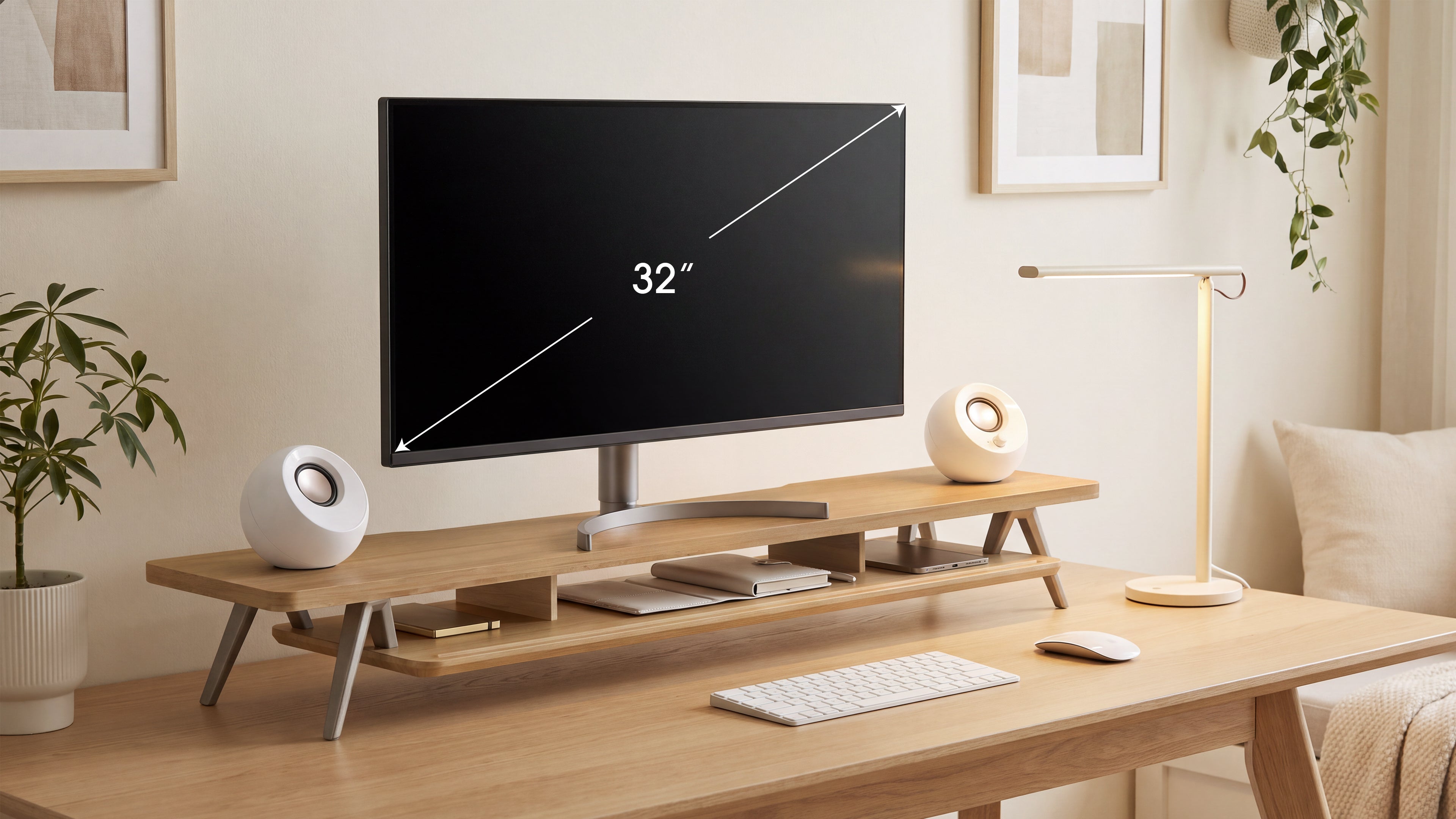
How to Choose a Monitor Stand for Dual Monitors or a 32-Inch Monitor?
Choosing a monitor stand for dual monitors or a 32-inch display is mainly a fit problem. Screen diagonal tells you only one part of the story. The monitor base, total load, viewing height, desk depth, and cable route determine whether the stand works in your real workspace.
This guide shows you how to choose a monitor riser for 32 inch monitor setups and side-by-side screens without relying on a product title alone. You will learn what to measure, how to compare a single large display with two smaller displays, and when storage or adjustability should influence the decision.
Key Takeaways
- Measure the complete monitor base, not just the 32-inch screen panel.
- For dual monitors, calculate the combined width, depth, and weight of the arrangement you will actually use.
- Choose height from your seated eye position, then verify that the stand still leaves comfortable keyboard and mouse space.
- Storage is useful only when drawers or shelves remain accessible and do not interfere with cables or input devices.
- Confirm the current product load rating and usable platform dimensions before ordering.
What Is the Difference Between a 32-Inch Monitor and Two Monitors?
A 32-inch monitor gives you one continuous image area. Two monitors give you separate work zones and can be angled toward you. The stand must support the physical arrangement, so the best choice depends on the base design rather than the number printed on the display box.
A single 32-inch display may have a broad pedestal, a V-shaped foot, or a central column with a shallow base. Two monitors may use compact stands, wide feet, or separate arms. Two screens can occupy more total width than one large display, even when their combined diagonal measurement appears similar.
Use the stand as a platform for the equipment you own. Do not assume that a stand labeled “dual monitor” will fit every pair of monitors, or that a shelf labeled for 32 inches will support every 32-inch base.

Measure the Four Dimensions That Decide Fit
Before looking at finishes or storage, record four measurements: base width, base depth, total equipment weight, and the lift you need. Add the desk's usable depth and rear clearance so the stand works with your keyboard, mouse, and cables.
1. Base width
Measure the widest point of the original monitor base. Include feet that extend sideways and the space between two bases if you are building a dual-monitor layout. For angled displays, measure the footprint after placing the screens in their intended positions. A straight-line measurement can underestimate the space needed by the corners.
2. Base depth
Measure from the front edge of the base to its rearmost point. Include the distance needed for power and video connectors. A stand can be wide enough but too shallow if the rear of the base hangs over the edge or forces cables into a sharp bend.
3. Total load
Use the manufacturer's weight for each monitor with its original base attached. Add speakers, a laptop, a dock, or other objects that will sit on the platform. For two monitors, add both complete assemblies. Compare the result with the stand's current published load rating and leave room for items you may add later.
4. Required lift
Sit in your normal working position and look straight ahead. Measure the difference between the current top edge of the display and the height that feels natural. This is your starting lift. Do not choose the tallest stand simply because the monitor is large.
How Wide Should a Monitor Riser for Desk Be?
For one 32-inch monitor, the usable platform should extend beyond the base on every side without creating unnecessary desk bulk. For two monitors, include the gap between screens and any inward angle. The outside dimensions of a stand can be misleading when side frames or drawer housings reduce the flat support area.
Sketch the setup from above. Draw the monitor bases, keyboard, mouse, speakers, and desk edge to scale. If the platform leaves no room for your forearms or mouse, the monitor may be supported safely but the workstation will still feel cramped.
A computer monitor riser with extra width can also provide a place for small speakers or a notebook. Keep those items near the sides, where they will not push the monitor base toward an edge. For a dual-monitor setup, keep both bases fully supported rather than letting a corner overhang.
How Deep Should the Stand Be on a Real Desk?
Desk depth is often the hidden constraint. Use this calculation before buying:
Usable desk depth - stand depth - rear cable gap = remaining keyboard and mouse depth
The remaining area should accommodate your keyboard, mouse, desk mat, and natural forearm position. If you use a full-size keyboard, drawing tablet, or notebook, include those objects in the sketch. A shallow stand may be a better choice than a deeper model with more storage.
Leave enough rear space to connect and disconnect cables without moving the display. Do not press the stand tightly against a wall if the cable plugs point straight back. The correct monitor riser for desk use fits the desk as it is arranged, including rear trays, cable grommets, and wall clearance.
Set the Viewing Height Before You Choose Features
Height should be decided before drawer count, color, or finish. Set your chair and keyboard first. Sit naturally for several minutes, look straight ahead, and note where the top of the screen sits. Then test the required lift with a stable temporary platform.
Mayo Clinic's "Office ergonomics: Your how-to guide", published May 25, 2023, recommends placing the monitor directly behind the keyboard, about an arm's length away, with the top of the screen at or slightly below eye level. It describes 20 to 40 inches as a general viewing-distance range. Treat that guidance as a starting point and adjust for your vision and setup.
The Canadian Centre for Occupational Health and Safety's "Office Ergonomics - Positioning the Monitor", confirmed current July 21, 2025, explains that viewing angle and viewing distance must be tailored to the user. It describes a slightly downward line of sight and notes that looking upward can be tiring. If you wear bifocals or progressive lenses, a slightly lower screen may be more comfortable.
Single 32-inch display
Center the display in front of you and keep the base stable. A wide stand may help distribute the load and create an open shelf, but more height or more width is not automatically better. Check how the stand changes your viewing distance and keyboard position.
Two monitors
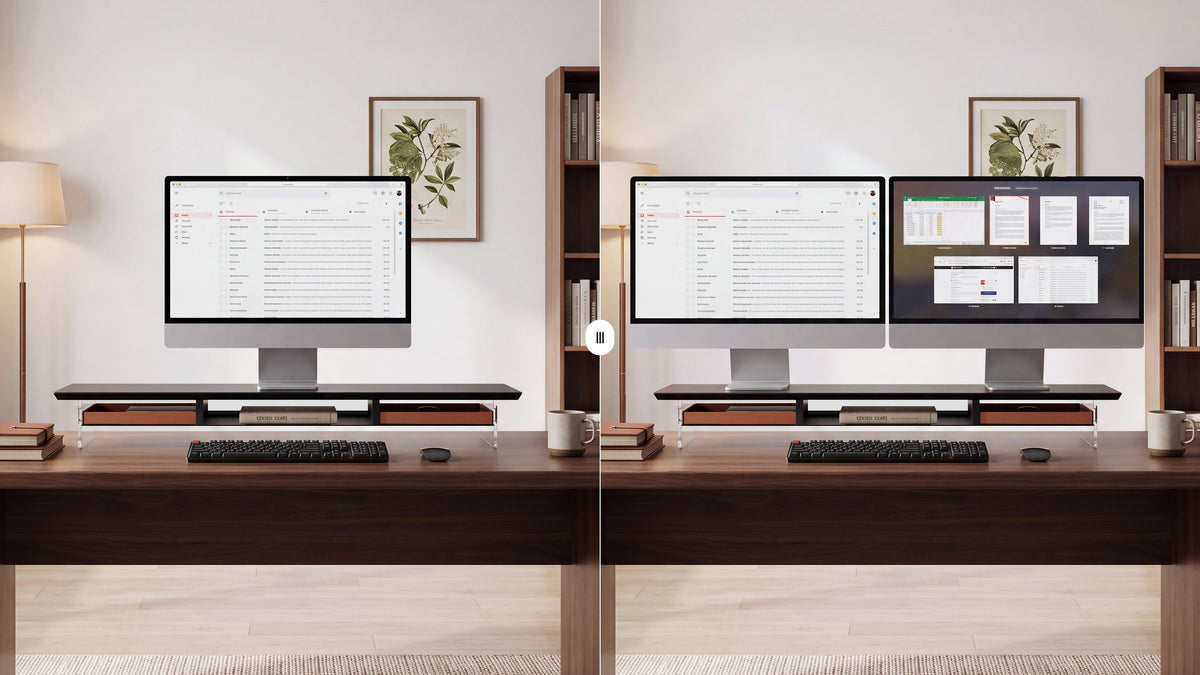
If you use both screens equally, place the meeting edges in front of you and angle the pair into a shallow curve. If one screen is primary, center it and place the secondary screen to one side. Keep both screens at a similar height and measure the complete arrangement before selecting the platform.

When Is a Dual Monitor Riser for Desk the Better Choice?
A dual-monitor platform is useful when you want both displays on one stable surface and your desk has enough width and depth. It can simplify cable routing and create one continuous storage zone under the screens.
Check three things before buying:
- Combined footprint: measure both bases, the center gap, and the angle of each screen.
- Distributed load: confirm that the platform supports the combined weight across its full width, not only a centered object.
- Center of gravity: keep each monitor base fully on the platform and avoid placing a heavy speaker at an unsupported edge.
If the monitors have very different base designs, a single platform may be less convenient than separate supports. Choose the arrangement that keeps both displays stable and lets you adjust the screens without disturbing the other one.
Should You Choose a Monitor Stand with Storage?
Storage is valuable when it replaces a separate organizer and keeps the desk's working surface clear. Open space under the platform can hold a keyboard, closed laptop, or notebook. Drawers are better for small items that you want nearby but out of sight.
Measure the actual items you plan to store. A drawer that looks generous from the outside may be shallow inside because of slides, stops, or a front panel. Check the opening path too. The drawer should not collide with your keyboard, desk mat, microphone, or laptop.
A good monitor stand organizer divides the desk into zones: the display above, input devices in front, and accessories below or to the side. Keep charging hubs and other electronics ventilated. Route connected cables outside moving drawers so they cannot snag or pull the monitor.
Compare Materials and Construction Honestly
| Construction | Potential advantage | What to verify |
|---|---|---|
| Wood or layered hardwood | Warm appearance and a furniture-like presence | Surface finish, edge quality, drawer movement, and published load rating |
| Metal frame | Efficient structural support with slimmer sections | Flex across a wide span, edge treatment, feet, and joint quality |
| Acrylic platform | Open visual profile and a lighter-looking setup | Material thickness, support geometry, scratch care, and fastening points |
| Mixed materials | Can combine structural support with wood storage or an open shelf | How the joints, slides, feet, and platform work together under load |
Material alone does not determine capacity. A well-built wooden, metal, acrylic, or mixed-material stand can be suitable when its construction and published specifications match your equipment. Look for full desk contact, anti-slip feet, and a platform that stays steady when a drawer opens.
FENGE Options for an Organized Multi-Screen Desk
FENGE's monitor-stand collection includes different platform layouts, materials, and storage approaches. The classic Rodin standard monitor stand is designed to hold up to two 27-inch monitors or one ultrawide monitor, according to the supplied product positioning. For a 32-inch display, compare the individual product page's usable dimensions and current load rating with your measured base rather than assuming compatibility from the screen size.
If you want a more customized desk system, the premium Matrix Series is built around high-end materials and flexible accessory configurations. A drawer-equipped Matrix model can be useful when you need to combine monitor elevation with a defined place for small desk tools. Confirm the M210's current platform dimensions, drawer clearance, and load rating before using it with a 32-inch display or two monitors.

Compare Monitor Stands by Your Measurements
Review FENGE monitor risers and desk shelves, then match each model's current specifications to your monitor base, total load, required lift, and available desk depth.
Use This Buying Checklist
- Measure the widest and deepest points of every monitor base.
- Include the gap and angle between two screens.
- Add the weight of the monitors, original bases, and platform accessories.
- Measure the lift needed from your normal seated eye position.
- Subtract the stand depth and rear cable gap from usable desk depth.
- Check the usable flat platform area, not only outside dimensions.
- Measure the height and depth of the items you plan to store.
- Confirm drawer opening clearance and cable access.
- Check anti-slip feet, support points, and construction quality.
- Verify the current product dimensions and load rating on the official page.
These checks are more reliable than choosing by a label such as “large,” “dual monitor,” or “32-inch.” They also make it easier to compare a monitor stand with storage against a simple platform or an adjustable arm.
Frequently Asked Questions
What size monitor stand do I need for a 32-inch monitor?
Measure the monitor's complete base width and depth, then choose a platform with slightly larger usable dimensions and a load rating above the total equipment weight. The 32-inch diagonal alone does not determine the correct stand size.
Can one stand hold two monitors?
Yes, if its usable platform supports the combined bases and weight in the arrangement you plan to use. Include the center gap, screen angle, cable route, and any accessories placed on the platform.
Is a monitor riser better than a monitor arm for a 32-inch display?
A riser is often simpler for a fixed desk where the display needs a stable, one-time lift and useful under-monitor storage. An arm is more suitable when you need frequent height, distance, or angle changes. Choose based on the movement your workflow actually requires.
How high should a 32-inch monitor be?
Start with the top of the screen at or slightly below eye level while you sit naturally. Test the position during normal reading and typing. Your chair, lenses, viewing distance, and screen proportions can change the most comfortable height.
Is a monitor stand with storage worth it for dual monitors?
It can be, especially when the area below the screens can hold a keyboard, laptop, or accessories without reducing legroom or cable access. Measure the full dual-monitor footprint and make sure opening a drawer will not disturb either display.
Final Recommendation
The best monitor riser for 32 inch monitor setups and dual-monitor desks is the one that fits the complete equipment footprint, supports the total load, preserves working depth, and places the screens at a comfortable height.
Measure first, compare usable dimensions second, and evaluate storage as part of the whole desk workflow. Once those requirements are clear, you can choose between a broad platform, a drawer-equipped stand, or an adjustable arm with far less guesswork.
Share:
How to Measure for a Monitor Riser Size Before You Buy
Monitor Stand With Drawer: How to Choose the Right One for Your Desk