

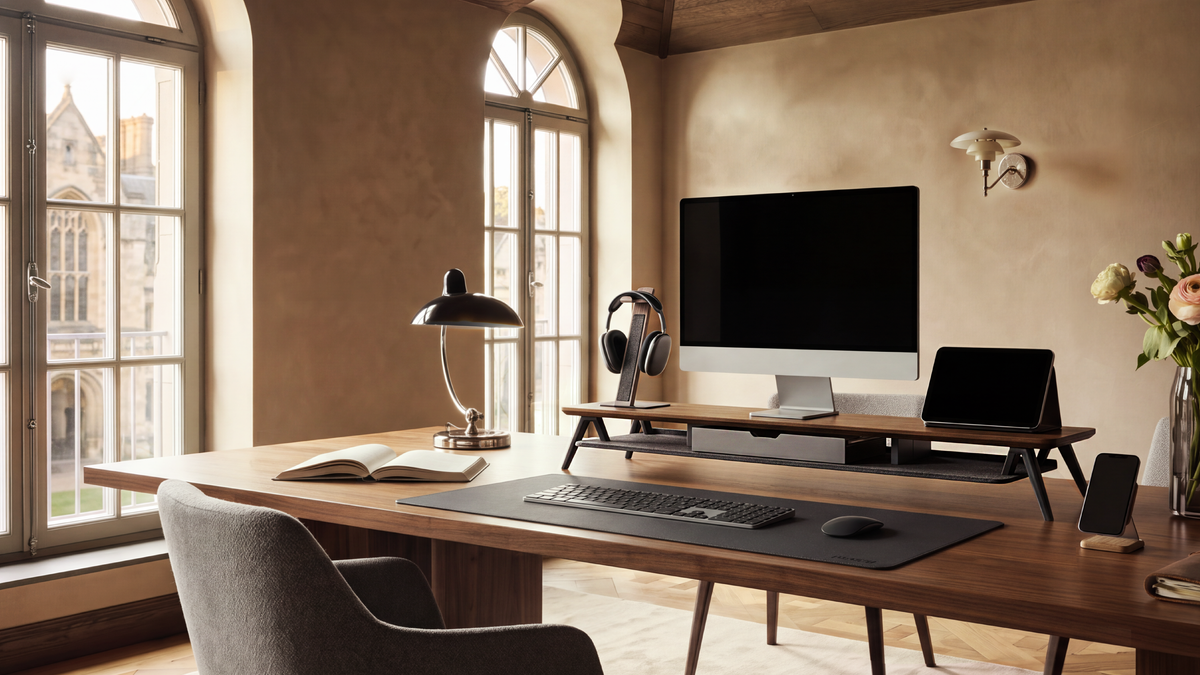
How to Choose a Monitor Riser for 27-Inch Monitor
A 27-inch monitor is a common size for home offices, creative workstations, and dual-screen desks. However, the number “27 inches” alone does not tell you which riser will fit. The monitor base, total weight, desired height, and available desk depth matter just as much as the screen diagonal.
This guide explains how to choose a monitor riser for 27 inch monitor setups without relying on guesswork. You will learn what to measure, how much clearance to leave, how to plan for storage, and when a fixed platform is better than an adjustable stand.
Quick answer: choose a platform wider and deeper than your complete monitor base, rated above the monitor's total weight, and tall enough to place the top of the screen around eye level. If you use two 27-inch monitors, measure their combined footprint rather than buying a single-monitor riser by screen size alone.
What Makes a 27-Inch Monitor Riser Different?
27 inches describes the diagonal measurement of the display panel. It does not describe the width of the monitor stand, the depth of the pedestal, or the position of the monitor's center of gravity. Two 27-inch monitors can have very different bases and weight distributions.
A suitable computer monitor riser must support the complete monitor assembly, including its original stand. It also needs to fit the physical constraints of your desk. A platform that is technically strong enough can still be a poor choice if it leaves no room for your keyboard or pushes the screen too close to a wall.
Measure These Four Things Before Buying
1. Monitor base width
Measure the widest point of the monitor's original base from left to right. If the base has feet that extend beyond the center column, include both feet. Add a small margin on each side so the monitor can be centered without sitting on the platform edge.
2. Monitor base depth
Measure from the frontmost point of the base to the rearmost point. This dimension is easy to overlook because product listings often emphasize screen width. Leave enough space behind the base for power and video cables, and enough space in front for comfortable keyboard use.
3. Total monitor weight
Use the monitor's specification sheet to confirm the weight of the monitor with its original base attached. Compare that figure with the product's stated weight capacity. If you plan to place a speaker, laptop, or accessories on the same platform, include those items in the total load.
4. Required lift
Sit in your normal working position and look straight ahead without lifting your chin. Measure the vertical distance between the current top edge of the screen and the height that feels natural. That difference is the starting point for choosing your monitor riser height.
Do not choose the tallest riser by default. The top edge of the display is commonly positioned around eye level or slightly below, but the best position depends on your chair, desk, glasses, screen size, and personal comfort.

How Wide Should the Platform Be?
The usable platform width should be greater than the monitor base width. Compare the flat support area, not only the outside frame dimension. Side panels, raised edges, and rounded corners can reduce the actual area available to the monitor.
For one 27-inch monitor, a modest side margin makes the setup easier to center and leaves space for cable routing. If you use a monitor with a wide V-shaped base, measure the widest and deepest points rather than assuming the panel size indicates the footprint.
A large monitor riser can be useful when the monitor base is wide or when you want storage beside the screen. It should still leave enough open desk area for your keyboard, mouse, and normal arm movement.
How Deep Should a Monitor Riser Be?
Start with this practical calculation:
Available desk depth - riser depth = remaining working depth
The remaining depth needs to accommodate your keyboard and mouse without forcing your wrists against the front edge. If you use a full-size keyboard, drawing tablet, notebook, or large desk mat, include those items in the plan.
Leave a rear gap for cables and airflow. A riser that touches the wall may look tidy, but it can create sharp cable bends and make it difficult to disconnect the monitor. A monitor riser for desk use should work with the desk as it is actually arranged, including cable trays, drawers, and rear ledges.
Choose the Right Height for Comfortable Viewing
Height is the main reason people buy a riser, but more height does not automatically mean better ergonomics. The goal is to let you read the display while keeping your head balanced over your shoulders and your chin relaxed.
- Set your chair and keyboard before measuring.
- Sit naturally for several minutes instead of posing rigidly.
- Look straight ahead and note the top edge of the display.
- Raise the screen temporarily with a stable test platform.
- Check the position again during normal reading and typing.
If several people use the workstation, an adjustable monitor riser or arm may be more practical. For one person at a fixed-height desk, a stable fixed platform often solves the height problem with less hardware and less movement.
Check Weight Capacity and Stability
Weight capacity is not a suggestion to ignore. The riser must support the monitor's complete load without bending, rocking, or sliding. For a 27-inch monitor, check the exact weight rather than using screen size as a substitute.
Stability also depends on how the load is distributed. Keep the monitor centered over the platform, place heavier items near the strongest support area, and check that all feet sit fully on the desk. If you use a monitor stand with shelf or drawers, make sure opening a drawer does not shift the monitor above it.
When to Choose a Monitor Stand with Storage
A storage platform can make a 27-inch monitor setup more useful without increasing the desk footprint. The space below the display can hold:
- a full-size keyboard when it is not in use;
- a closed laptop or tablet;
- notebooks and documents;
- a docking station or compact speakers; and
- small accessories that would otherwise spread across the desk.
Measure the tallest item you want to store and compare it with the clear height beneath the platform. If you prefer to hide small items, a monitor riser with drawer can reduce visual clutter. Keep ventilation openings clear and do not store heat-producing devices in a confined compartment unless the product is designed for it.
One 27-Inch Monitor or Two?
Single-monitor setup
For one display, prioritize a platform that supports the base with a small margin, leaves working depth for your keyboard, and raises the screen only as much as you need. A compact platform may be better on a narrow desk, while a wider platform can provide useful storage.
Two 27-inch monitors
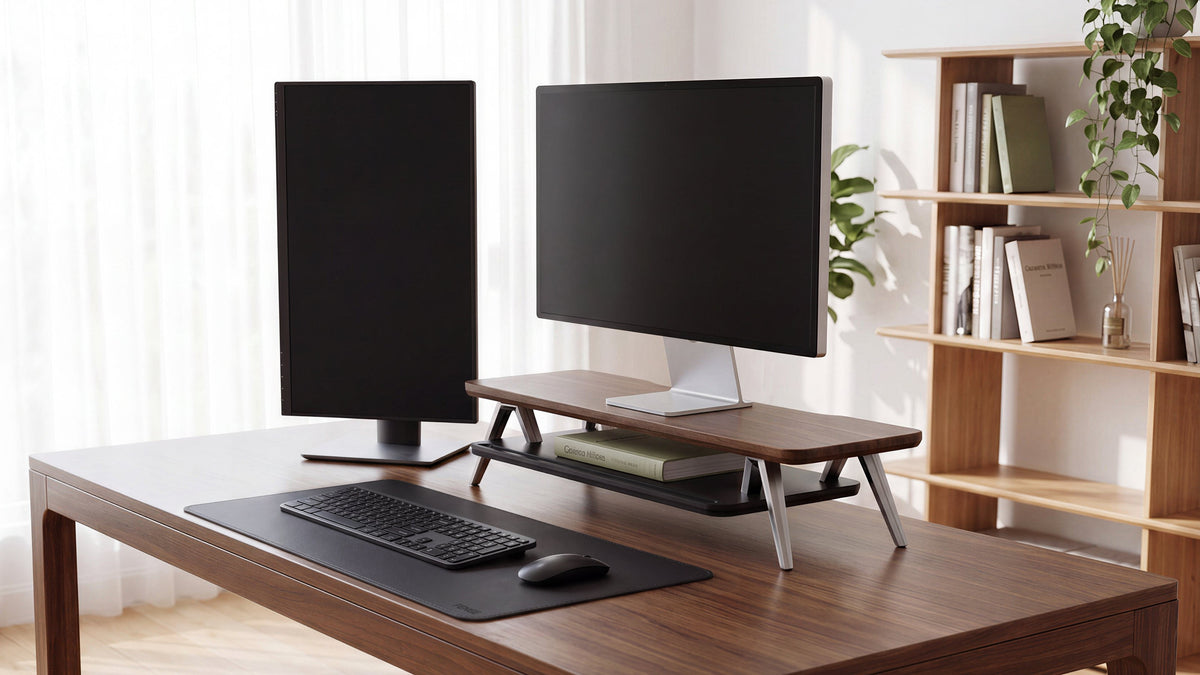
A dual monitor riser for desk use must support the combined width, depth, and weight of both displays. Measure the arrangement as you intend to use it: include the gap between monitors, any inward angle, and the bases' actual footprints.
For a monitor riser for 2 monitors, check whether the platform is rated for a distributed load or a centered load. Keep both monitors fully supported, and route cables behind the platform so they do not pull one screen forward.
Monitor plus laptop
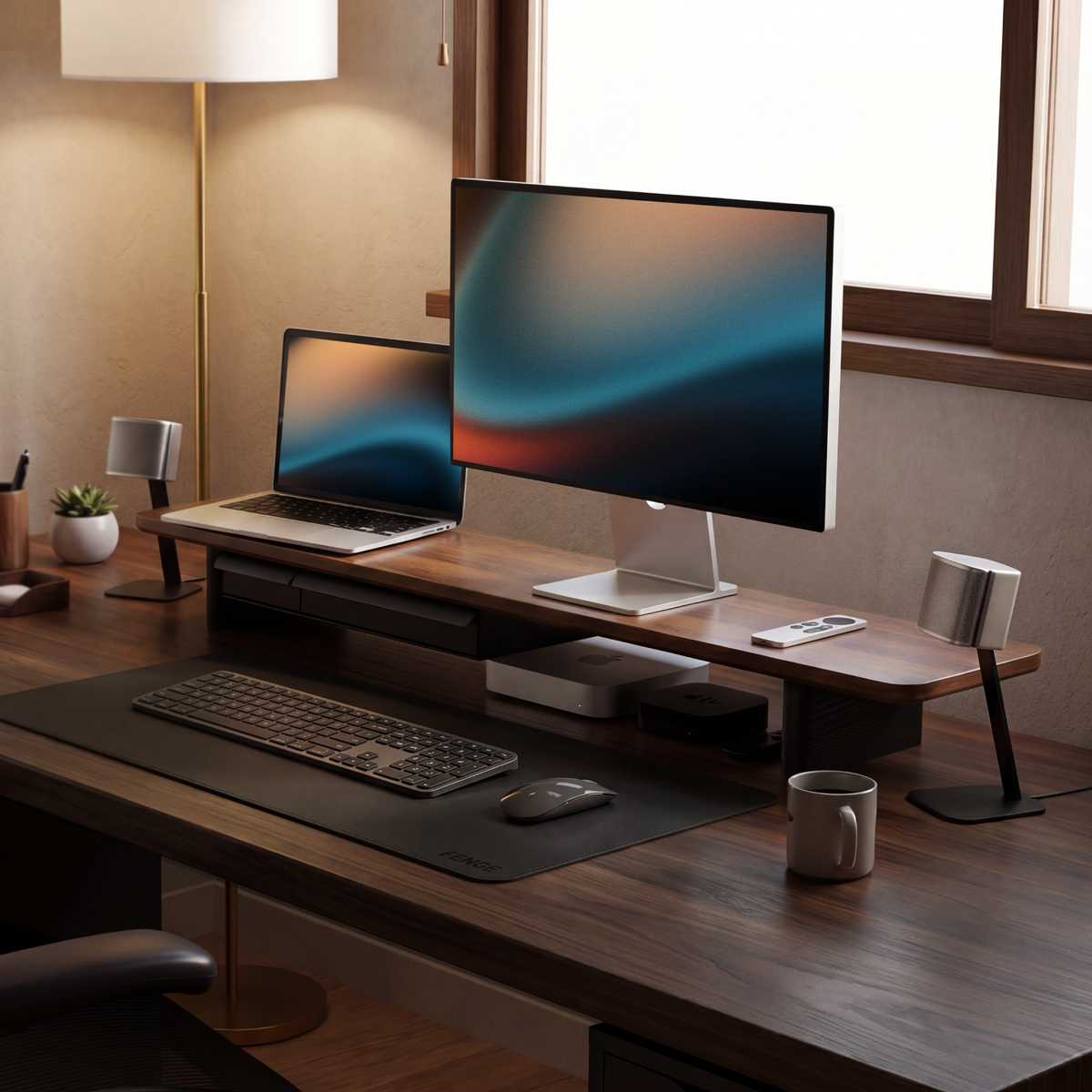
If the laptop will sit beneath the monitor, measure it closed and check the clearance under the riser. If it will remain open, consider a separate laptop stand and external keyboard so the screen and input devices can be positioned independently.

Fixed Riser or Ergonomic Monitor Stand?
A fixed riser is usually the simpler choice for a single-user, fixed-height desk. It provides a broad support surface, can add storage, and stays in position once you have measured the correct lift.
An ergonomic monitor stand with adjustment is more useful when you alternate between sitting and standing, share the desk with users of different heights, or rotate and reposition the screen frequently. Before choosing an adjustable model, check its adjustment range, attachment method, VESA requirement, supported weight, and cable routing.
The better option is the one that lets you maintain a comfortable screen position consistently. Adjustment is valuable when you use it; otherwise, it can add installation and maintenance complexity
Comparison Checklist
| Check | What to measure or confirm | Why it matters |
|---|---|---|
| Platform width | Usable flat width versus the complete monitor base | Prevents edge overhang and makes centering easier |
| Platform depth | Base depth plus rear cable clearance | Protects working space and avoids tight cable bends |
| Riser height | Lift needed from the current screen position | Helps avoid a screen that is too low or too high |
| Weight capacity | Monitor, original base, and any items on the platform | Supports safe, stable use |
| Under-platform clearance | Height of the tallest stored item | Ensures keyboards and laptops can slide in and out |
| Dual-screen footprint | Combined bases, gap, angle, and total weight | Prevents choosing a single-monitor platform for two displays |
| Desk compatibility | Drawers, rear edge, wall clearance, and cable route | Confirms the riser works in the real workstation |
Common Buying Mistakes
Choosing by screen size alone
A 27-inch panel does not reveal the base footprint or monitor weight. Always measure the complete assembly.
Ignoring usable dimensions
Outside dimensions can include frames and side supports. Confirm the flat platform area that actually carries the monitor.
Buying too much height
A taller riser can force you to lift your chin. Measure the required lift and choose a stable height close to it.
Forgetting the rest of the desk
A platform may fit the monitor but leave no room for a keyboard, mouse, speakers, or cables. Plan the entire working zone.
FENGE Recommendation
FENGE recommends measuring the complete 27-inch monitor setup before selecting a riser. Compare the usable platform width and depth, the required height, the total supported weight, and the storage clearance under the platform.
For a single 27-inch monitor on a fixed desk, a stable platform can raise the display and create a cleaner area for your keyboard and accessories. For two 27-inch monitors, choose a model designed for the combined footprint and load instead of relying on the screen diagonal.
FENGE's classic Rodin Series is designed for practical, well-organized monitor setups. The standard Rodin monitor stand can hold up to two 27-inch monitors or one ultrawide monitor, making it a flexible choice for a single- or dual-screen desk.
Rodin A311: An Integrated Laptop and Monitor Setup
If you normally use one laptop with one external monitor, we strongly recommend the Rodin A311. It combines a laptop stand, an external monitor platform, a headphone stand, and a phone stand in one integrated design. This layout brings your essential devices together and helps create an efficient, convenient space for both work and entertainment.
Rodin A410: Add a More Immersive Desk Atmosphere
If you want a more tech-focused desk setup, consider the Rodin A410. Its transparent acrylic support creates a distinctive floating visual effect, while the built-in ambient LED lighting can switch between multiple colors. The result is a monitor stand that changes the atmosphere of the desk as well as the way the display is organized.
Matrix Series: Premium Materials and Flexible Customization
If you want to customize your setup with functional accessories, choose FENGE's premium Matrix Series. Matrix focuses on high-end materials and a highly flexible configuration system, allowing you to build a desktop arrangement around your own devices, habits, and storage needs. It is the right direction for users who want a monitor stand that can evolve with their workspace rather than a fixed, one-purpose platform.
Browse the FENGE monitor stands collection and the FENGE official website for more information. Compare platform layouts, storage options, and monitor-support styles, then confirm the current product dimensions and weight specifications on the individual product page before purchasing.
Frequently Asked Questions
What size monitor riser do I need for a 27-inch monitor?
Measure the complete monitor base width and depth, then choose a platform with slightly larger usable dimensions and a weight rating above the total load. Screen size alone is not enough to determine the correct riser.
Can a 27-inch monitor sit on any monitor riser?
No. The riser must support the monitor's total weight and base footprint. Check platform dimensions, load capacity, stability, and cable clearance before buying.
How high should a 27-inch monitor be?
Start with the top edge around eye level or slightly below while you sit naturally. Measure the lift from your current setup and test the position during normal work.
Can I use one riser for two 27-inch monitors?
Yes, if the platform is specifically wide and strong enough for the combined bases and weight. Measure the real side-by-side arrangement, including the gap and screen angles.
Is a monitor riser with storage worth it?
It can be, especially on a compact desk. The space below the platform can hold a keyboard, laptop, or accessories. Choose a design with enough clearance and keep ventilation paths open.
Final Recommendation
The best monitor riser for 27 inch monitor setups is not defined by a single universal width or height. It is the platform that fits your complete base, supports the total load, leaves enough working depth, and places the screen at a comfortable viewing height.
Measure first, compare usable dimensions second, and verify the product specifications before you buy. If your desk is fixed and your screen rarely moves, a stable riser with storage is often the most practical solution. If your position changes throughout the day, consider an adjustable ergonomic stand.
Read more
Share:
Is the Best Computer Monitor Actually a TV? What Most Buyers Get Wrong
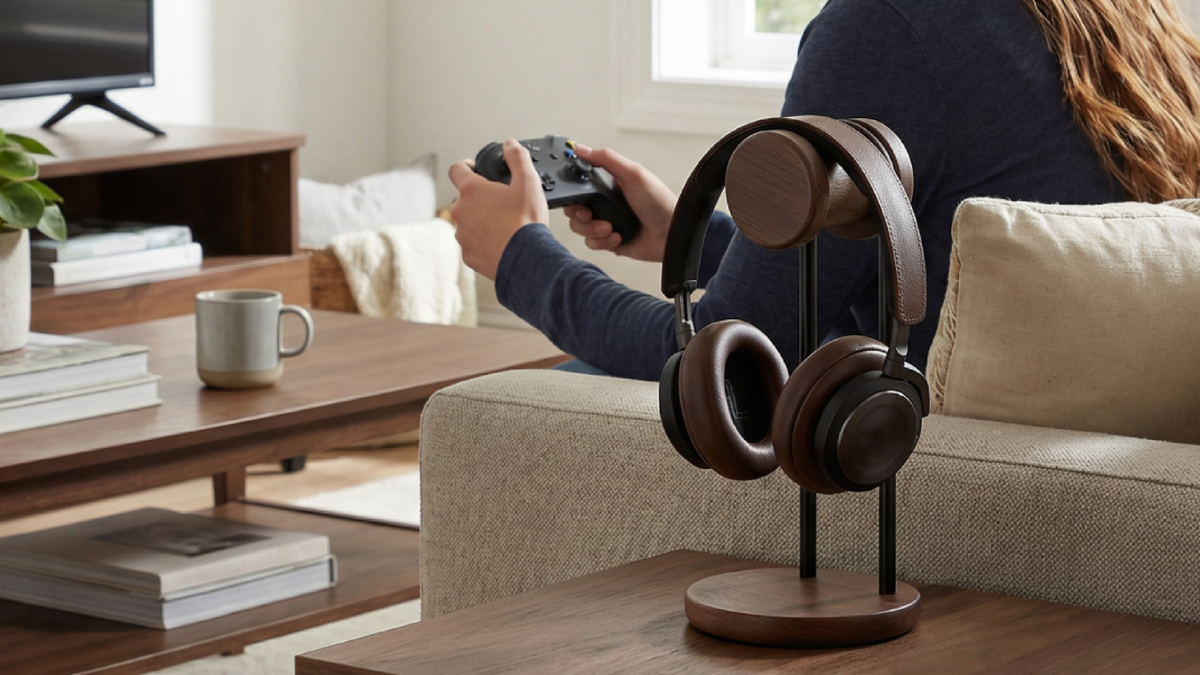
How to Choose Between a Wooden and Metal Headphone Stand?