

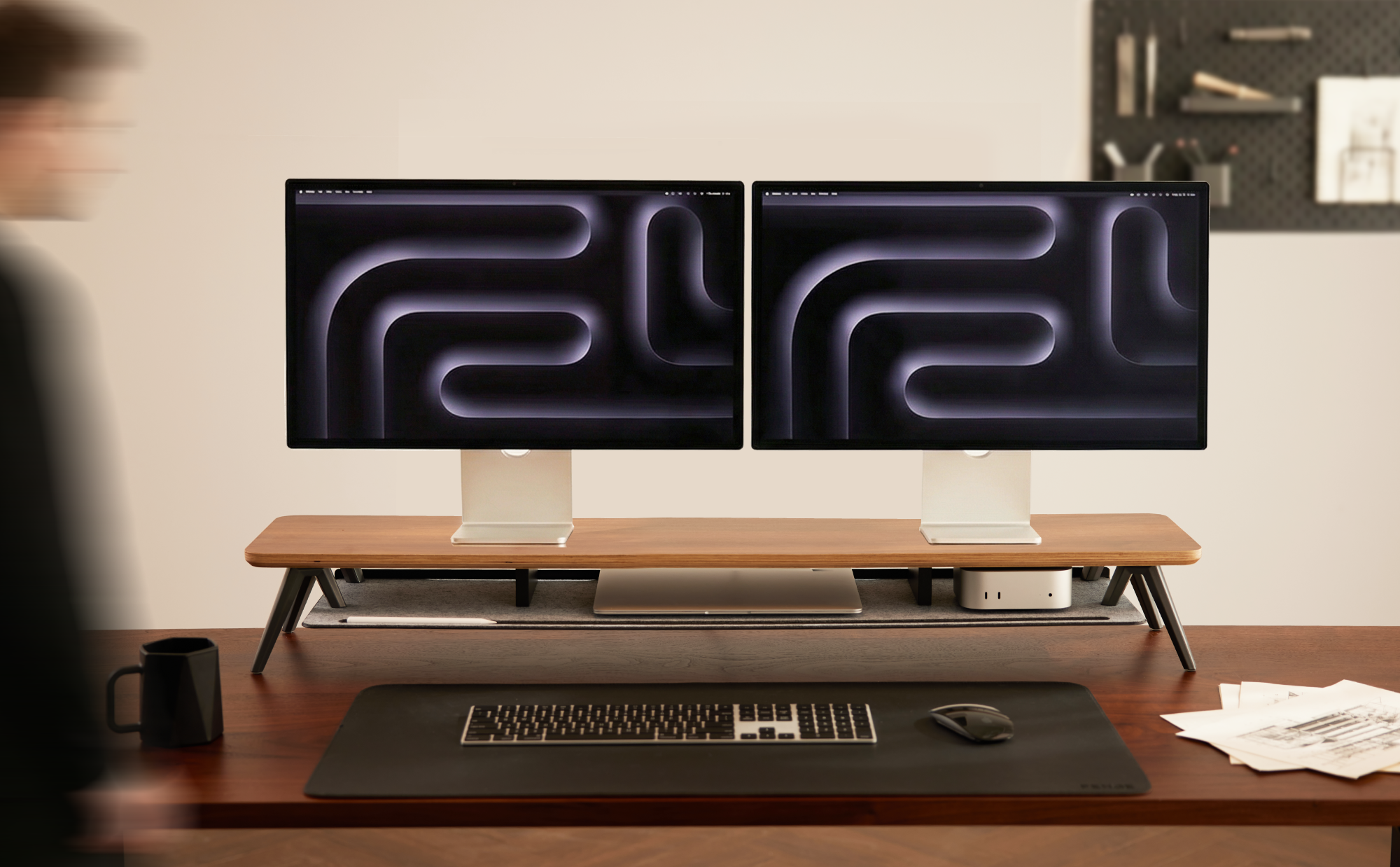
If you’re a programmer, designer, or multitasking creator, a dual-monitor setup boosts your efficiency – but it also comes with headaches: clunky monitor stands hogging desk space, a jumble of tangled cables, and no dedicated spot for your keyboard or laptop.
The solution to an efficient, organized workspace might be simpler than you think: a Monitor Stand. It's more than just a riser; it's your key to desktop expansion.
The Real Struggles of a Multi-Screen Setup
Once you add a second screen, the battle begins:
Cramped Real Estate: Bulky monitor bases devour your desk, leaving no room to move.
Tangled Web: A mess of power and video cables turns your workspace into a jungle.
Neck Strain: Screens sitting too low or uneven force you into uncomfortable, hunched positions.
No Home for Essentials: Your keyboard, laptop, or tablet fights for space, making every task switch a hassle.

Rethink Your Desk Space with a Monitor Stand
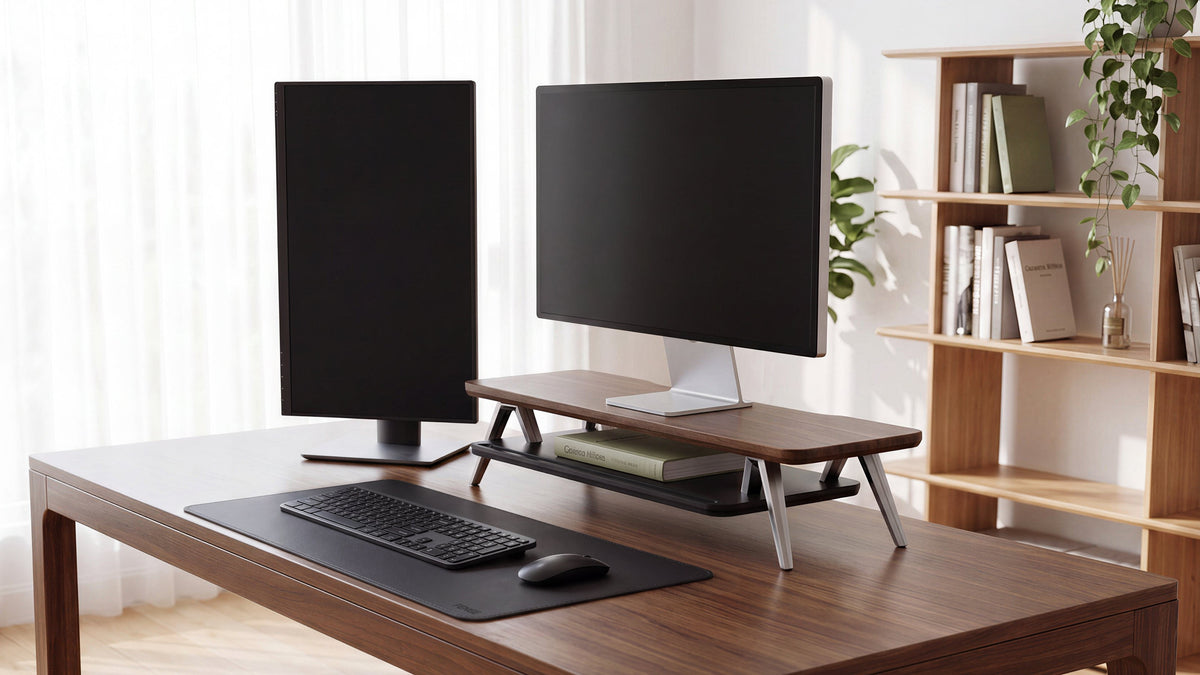
A well-designed monitor stand fundamentally changes the game. Its core value lies in expanding upwards.
By moving monitors off their stock bases onto a single platform, you instantly liberates a vast amount of primary desk real estate.
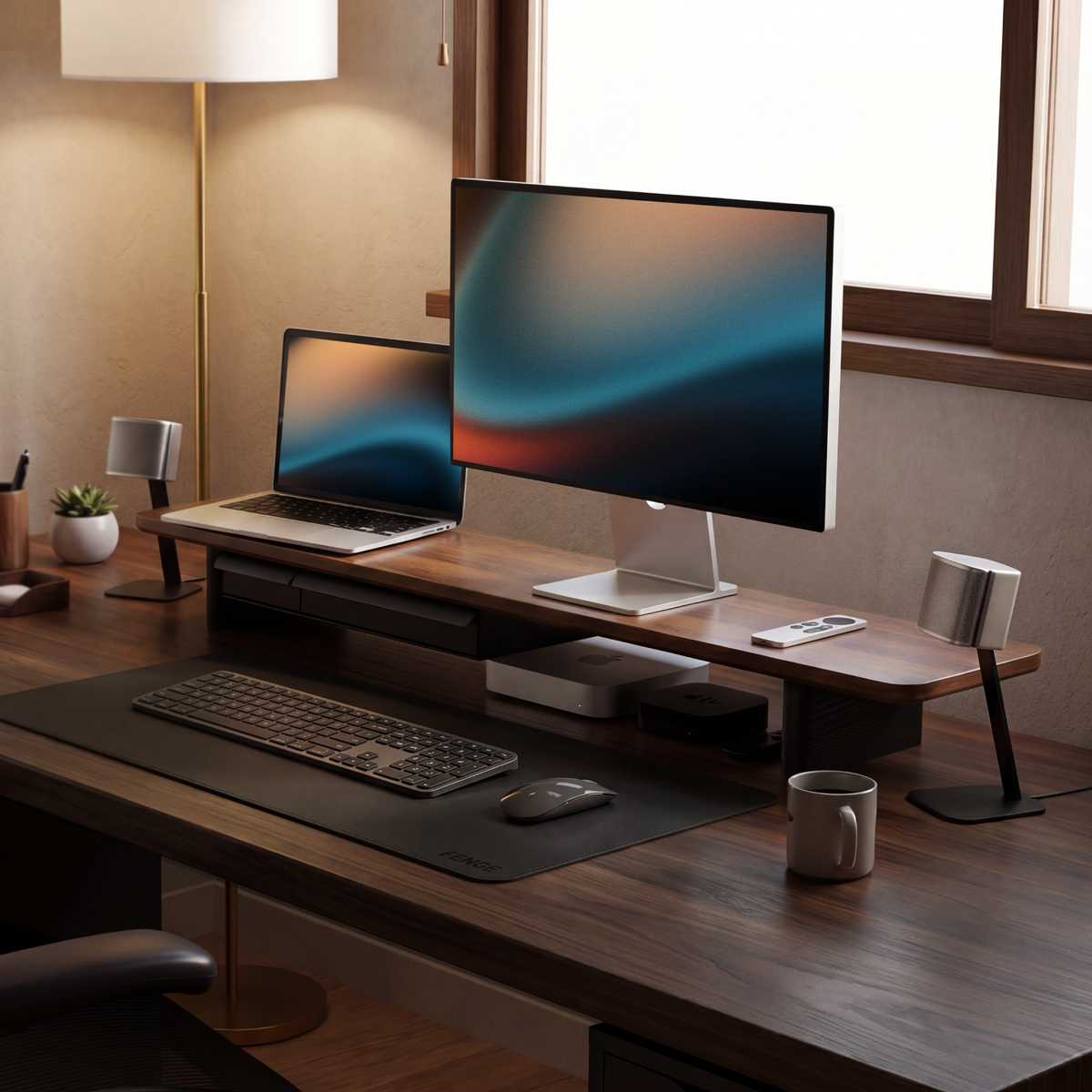
The newly created space underneath becomes a perfect docking station for your keyboard, trackpad, or laptop. Slide them in to clear the desk, pull them out for immediate use.
This layered organization tackles clutter at its source, clearing visual noise and allowing you to reclaim focus. For deep work, you can turn off the secondary screen while your primary display, elevated to an ergonomic height, helps reduce fatigue.
Real-World Workflow Scenarios
Scenario: The Programmer
Layout: Main screen for coding, secondary screen for documentation, terminals, or references.
Under the Stand: Mechanical keyboard and trackpad. At the end of the day, slide the keyboard away for an instantly clean desk.
Efficiency Gain: Eliminates constant window switching. Your gaze and thought process move in parallel, making coding more fluid.

Scenario: The Content Creator/Designer
Layout: Main screen for video editing or detailed design work; secondary screen for asset libraries, communication tools, or inspiration boards.
Under the Stand: Drawing tablet or secondary laptop. A MacBook can also be placed here, connected to become a powerful host machine.
Efficiency Gain: Physical separation between the creative canvas and tools keeps the work surface ready for action, fostering focus and creativity.
Why FENGE Monitor Stand is the Ideal Choice for Multi-Screen Users
Ordinary laptop stands or flimsy risers can't handle complex multi-screen setups. The FENGE Monitor Stand series is built precisely for this purpose:
Robust & Stable: Constructed with thickened metal frames and high-quality board, its load capacity far exceeds ordinary products. It holds even two 27-inch or larger screens rock-steady, eliminating wobble and protecting your valuable equipment.
Spacious & Compatible: Offers a variety of wide sizes, optimized specifically for side-by-side dual-monitor layouts. Ensures monitors sit securely, presenting a clean, integrated appearance.
Functional & Protective: The design focuses on creating an open, tidy desktop platform. Full-coverage non-slip silicone pads securely protect your desk surface, while smooth, rounded edges offer a comfortable feel.
Sleek Aesthetics: With clean lines and classic, premium color schemes, it relies on material quality and structure—not ornate design—to blend into and elevate any workspace, becoming the aesthetic foundation of an efficient desk.

From Clutter to Efficiency: A Tangible Transformation
If you're frustrated by the chaos of multi-screen work or aspire to elevate both your productivity and desk aesthetics, the combination of "multi-screen + FENGE Monitor Stand" is the solution you've been searching for.
Explore the FENGE Monitor Stand series, designed for multi-screen productivity. Give your essential tools a stable, stylish, and efficient home. Reclaim your desk space and, more importantly, unleash your creative potential.
Share:
Why Your Desk Needs a Monitor Stand: Save Your Neck and Enhance Productivity
The Most "Supportive" Valentine’s Gift:3 Ways to Show Love with a Monitor Stand