

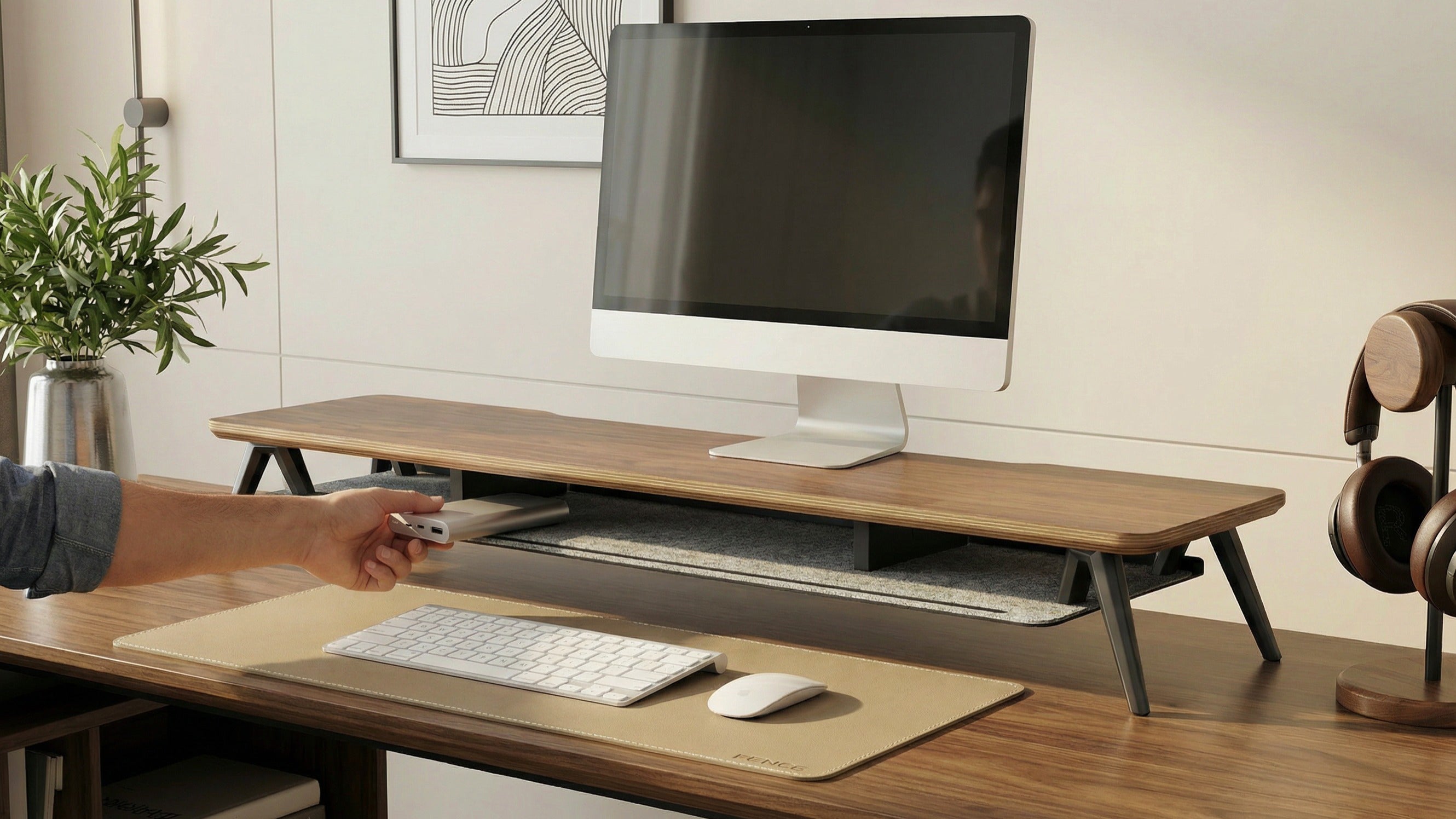
In 2026, a desk is no longer just a place to "put a computer." It is your productivity hub, your stage for content creation, and your gateway to immersive experiences. Yet, most setups remain stuck in the "functional but messy" phase: tangled cables, cramped spaces, and cluttered devices—all of which quietly drain your focus.
This guide will take you from Basic Order → Advanced Efficiency → Ultimate Immersion, upgrading your desktop system step by step.
Level 1: Basic Order — The Triumph of Minimalism
Target Audience: Students or young professionals on a budget seeking a clean aesthetic.
Keywords: Vertical Space, Visual Subtraction.
The core of Phase 1 isn't about "buying more," but "hiding better."
Desk Shelf: The 2026 trend favors natural wood or linen materials. It raises your monitor to eye level to protect your neck while creating "hidden storage" underneath for your keyboard and notebooks.
Basic Storage Modules: Say goodbye to chaos. Install a clip-on drawer under the shelf for USB drives, charging cables, and small items.
Felt Desk Mat: Compared to rubber, the felt or microfiber leather mats popular in 2026 offer a warmer touch, instantly elevating the "premium feel" of the workspace.
The Goal: Achieve "Zero Clutter." Everything except your active tools should be vertically stored or hidden.
Level 2: Advanced Efficiency — Modularity & Multitasking
Target Audience: Programmers, designers, and productivity junkies.
Keywords: Dual-Screen Synergy, Dynamic Adjustment.
When a single interface no longer suffices, you need a system that matches the speed of your brain.
Dual/Ultrawide Setup: We recommend the "Horizontal Main + Vertical Side" combo. The main screen handles core creation, while the vertical screen is perfect for code streams, chat, or references. Use mechanical spring arms for effortless posture adjustments.
Modular Components: Introduce modular ecosystems like magnetic cable managers or side-mounted headphone hangers. Top-tier players in 2026 use magnetic cable bridges to make power cords "invisible" along the desk legs.
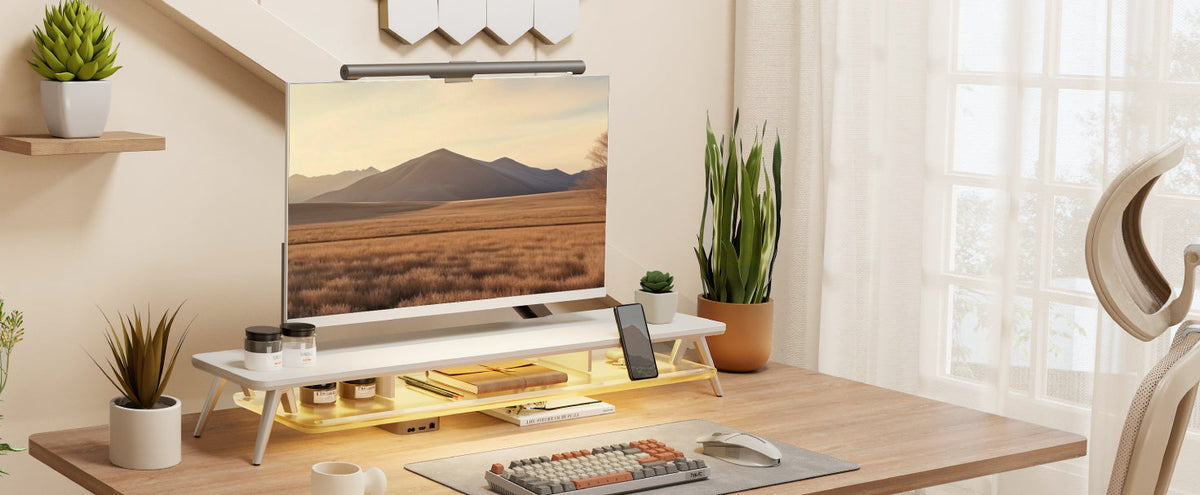
Smart Ambient Lighting: Add an asymmetrical monitor light bar. It protects your eyes and automatically adjusts color temperature ($2700K - 6500K$) based on ambient light.
Level 3: Ultimate Form — The Full Ecosystem
Target Audience: Hardcore gamers, geeks, and aesthetic purists.
Keywords: Immersion, Smart Integration, AI Automation.
The top-tier 2026 setups look effortless because they follow a strict visual logic.
Absolute Material Unity:
Walnut/Oak: From the shelf to the cable box, every texture must match to create "forest-like stability."
Industrial/Metal: Anodized aluminum and cold-rolled steel. The keyboard case, monitor arms, and even cable grommets must share the same sandblasted finish for a cold, industrial precision.
The "Bloodline" Connection:
In its ultimate form, each component shares a design "lineage." We've created a highly unified visual and tactile desktop landscape through the interplay of warm, multi-layered solid wood classic walnut color and felt. This protects the desktop from scratches while providing a warm "resting place" for small personal items like watches and rings. The combination of the wood's rigidity and the felt's flexibility perfectly echoes the overall design language.
In conclusion:Upgrading your desk is like building your own universe. You don't need to do it all at once. Start with the clarity of Level 1, move to the efficiency of Level 2, and finally find your spiritual freedom in Level 3.


Share:
Desktop Setup Guide for Mac/PC Users: Find the Perfect Accessories for You
A Guide for Desktop Hi-Fi Enthusiasts: How to Organize Audio and Peripheral Equipment